

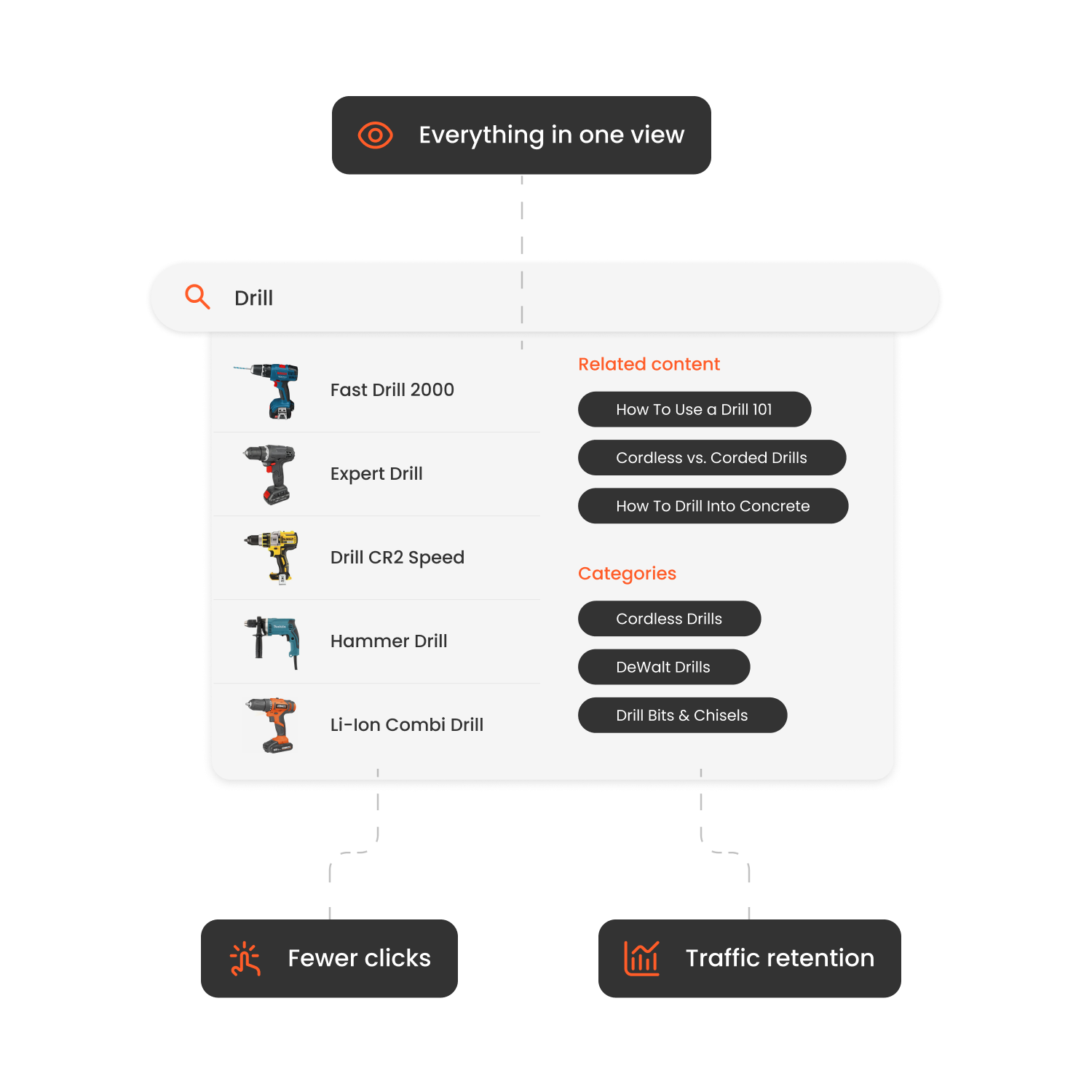

Why Upgrading Your Magento 2 Search Matters
On-site search users convert at much higher rates than passive browsers.
Frustrating search experiences - especially on mobile - increase bounce rates.
Enhanced search capabilities often result in larger orders and higher revenue.
The default Magento 2 search system lacks the smart ranking, merchandising flexibility, and analytics needed to optimise the full search journey.
Top Features to Look for in a Magento 2 Search Module
Real-Time & Predictive Suggestions Help users find products instantly with live autocomplete that reacts as they type.
Intelligent Relevance & Error Handling Great modules account for typos, synonyms, and search intent to deliver accurate results.
Faceted Filtering & Attribute Search Users should be able to refine results by price, brand, stock status, tags, or custom attributes.
Merchandising Tools Control product visibility in search - pin, boost or demote products based on business logic.
Search Analytics Monitor what’s searched, what’s converting, and where results fail. Use this insight to improve.
Performance & Compatibility Your search tool should be fast, mobile-optimised, and integrate cleanly with your Magento 2 theme.
Easy Setup & Reliable Support A solid module should be easy to install, manage, and maintain - with responsive help if needed.
| Module | Pros | Cons | Price* |
|---|---|---|---|
| Clerk.io | AI search; instant autocomplete; deep analytics; merchandising & real-time sync | Setup required; tailored pricing | Custom pricing |
| Searchanise | Good filters; instant results; fast to deploy | Basic AI; limited merchandising | Paid tiers |
| Algolia for Magento 2 | Enterprise speed and relevance | Developer-dependent; pricey | Premium |
| Doofinder | Easy admin; multilingual; fast preview | Full features on higher plans only | Paid |
| Amasty Advanced Search | Magento-friendly; cost-effective | Less powerful AI & personalisation | Paid |
| Mageworx Search Suite | Solid control and filters | No native AI ranking | Paid |
| ElasticSuite | Configurable engine; great for developers | Technical setup; hosting required | Hybrid pricing |
How to Install Clerk.io Search on Magento 2
Use Composer to install the Clerk.io extension: composer require clerk/magento2 php bin/magento module:enable Clerk_Clerk php bin/magento setup:upgrade
In Magento Admin, go to Stores → Configuration → Clerk → Settings.
Enter your Public Key and Private Key from Clerk.io and choose the correct Store View.
In your Clerk dashboard (my.clerk.io), go to Data → Configuration, add your store domain, select Magento 2 as platform, and start syncing.
Enable Real-Time Updates in the plugin so changes reflect instantly.
In Clerk.io: Configure Instant Search and Search Page; add filters/facets, synonyms, and typo handling; set up merchandising rules and check for zero-result queries.
Ensure the search input selector in your Magento theme matches the Clerk Instant Search trigger.
For multilingual or multi-store setups, add each as a separate “Store” in Clerk.io and sync accordingly.
Monitor analytics and refine over time.

How Hairlust Uses Clerk.io's Search and Recommendations to Boost Online Sales
Read moreFAQs
Is Magento 2’s native search enough for growing stores?
Not usually. Native search lacks intelligent ranking, personalisation, and merchandising features that optimise conversion.
When should I consider upgrading my search module?
If you have a large catalogue (10k+ SKUs), run multiple views/languages, or want more control over search behaviour, upgrading is essential.
Will Clerk.io slow my site down?
No - it’s optimised to load asynchronously and supports Magento’s performance standards.
How soon can I expect to see results?
Many stores report noticeable improvement in search performance and conversion within the first 30-60 days.
Conclusion
Search is a mission-critical part of the Magento 2 shopping experience. If customers can’t find products quickly, they won’t stick around. Upgrading to a smart, AI-powered module like Clerk.io helps you offer faster, more accurate, and more profitable product discovery.
In 2026, Clerk.io stands out as the best Magento 2 search solution - combining intelligent relevance, real-time updates, and merchandising insight to help your store grow.
