

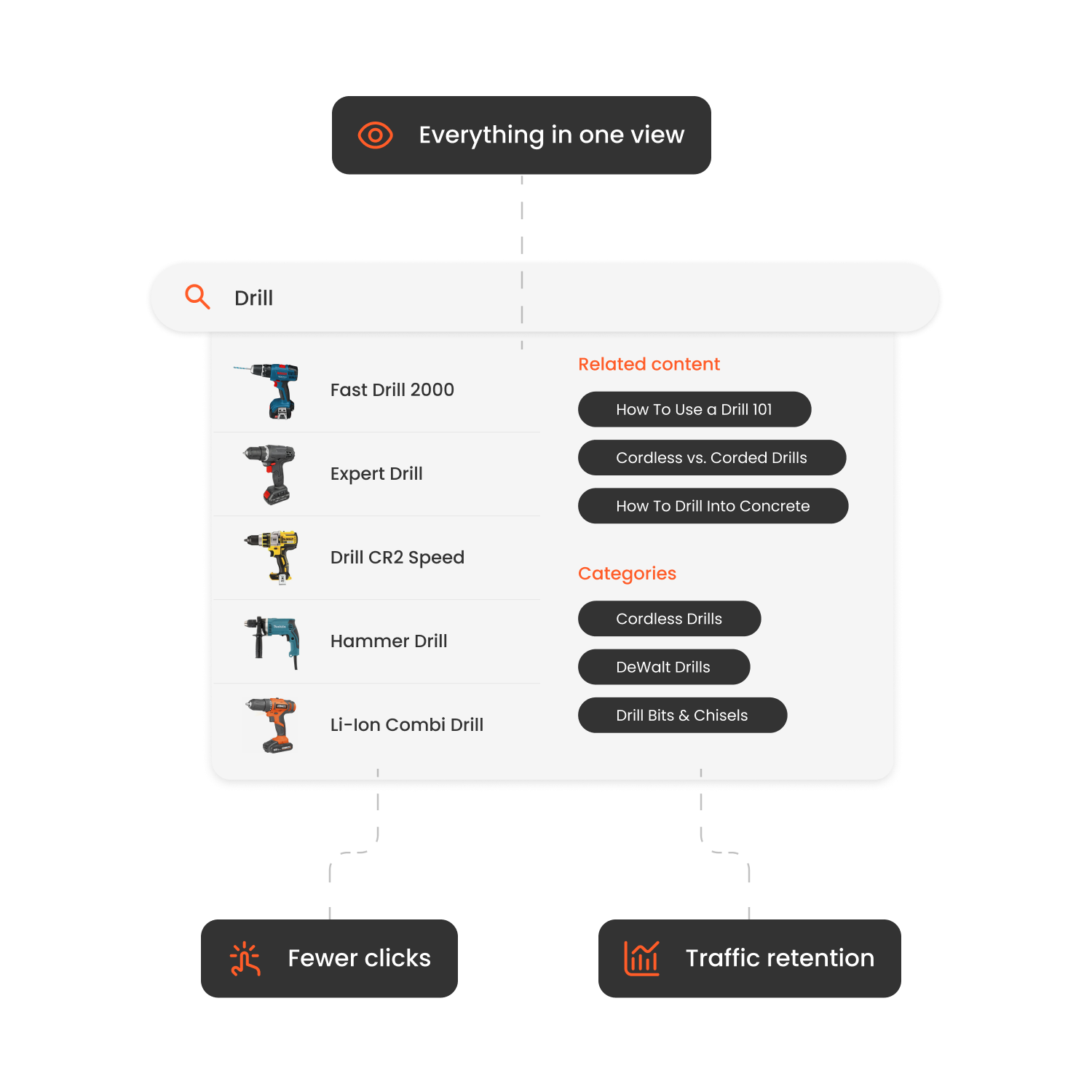

Modern Shopware stores attract a wide mix of shoppers: first-time visitors, returning customers, high-value buyers, and customers at risk of churning.
Customer segmentation tools for Shopware help you identify these audiences and tailor product discovery, messaging and offers based on real behavior.
Why the Right Customer Segmentation Tool Matters for Shopware Stores
Personalization is only as good as the audience logic behind it.
With proper customer segmentation, Shopware merchants can:
-
Show different products and recommendations to different customer types
-
Increase conversion rates with targeted merchandising
-
Improve retention through lifecycle-based experiences
-
Reduce reliance on broad discounts
Without segmentation, even advanced Shopware setups default to generic storefronts and broad campaigns.
What to Look For: Key Features (and Why)
1. Real-Time Behavioral Segmentation
Segments should update dynamically based on browsing patterns, cart activity, purchase frequency and engagement.
2. Lifecycle & RFM Modeling
Automatic grouping of new, active, at-risk and churned customers helps prioritize retention and growth.
3. Omnichannel Activation
Segments must be usable across onsite personalization, email, CRM and paid media.
4. AI & Predictive Segmentation
Advanced tools use machine learning to predict churn risk, purchase likelihood and product affinity.
5. Deep Shopware Data Integration
Effective segmentation requires access to orders, products, categories, pricing rules and customer attributes.
6. Analytics, Attribution & Uplift Measurement
You should be able to measure revenue impact by segment, not just activity.
7. Performance, Scalability & Support
Shopware merchants need tools that scale reliably and are backed by professional onboarding and support.
| Tool / Platform | Pros | Cons | Price* |
|---|---|---|---|
| Clerk.io Audience & Personalization for Shopware | Real-time behavioral segmentation; lifecycle & RFM modeling; native integration with search, recommendations and banners; multi-store support | Requires setup and onboarding; custom pricing | Custom pricing based on traffic and catalog size |
| Shopware Rule Builder & Customer Groups | Native to Shopware; flexible rules | Manual setup; no predictive intelligence | Included / paid editions |
| Klaviyo for Shopware | Strong email and SMS segmentation; predictive analytics | Onsite personalization handled separately | Usage-based pricing |
| Mautic (Shopware Integration) | Open-source; flexible segmentation | Technical setup required; limited onsite use | Hosting & maintenance costs |
How to Implement Clerk.io Customer Segmentation on Shopware
-
Create a Store in Clerk.io and select Shopware as your platform.
-
Install and activate the official Clerk.io Shopware plugin.
-
Connect your store using API keys and Store ID.
-
Enable export of products, customers and orders.
-
Deploy tracking for visitor, cart and purchase behavior.
-
Activate Audience and configure lifecycle and behavioral segments.
-
Connect segments to recommendations, search and merchandising logic.

How Hairlust Uses Clerk.io's Search and Recommendations to Boost Online Sales
Read moreFAQs
Can I rely on Shopware’s built-in customer groups?
Built-in groups are useful but static. They lack real-time behavioral updates and predictive capabilities.
When does customer segmentation become necessary?
As soon as you manage multiple customer types, campaigns or markets, segmentation becomes critical.
How quickly can segmentation impact performance?
Many Shopware merchants see measurable uplift within 30-60 days once personalization is activated.
Does segmentation affect site speed?
High-quality solutions process data externally and inject personalized content asynchronously.
Conclusion
In 2026, Shopware merchants win by relevance, not reach.
Customer segmentation enables smarter personalization, stronger retention and higher lifetime value across modern Shopware stores.
