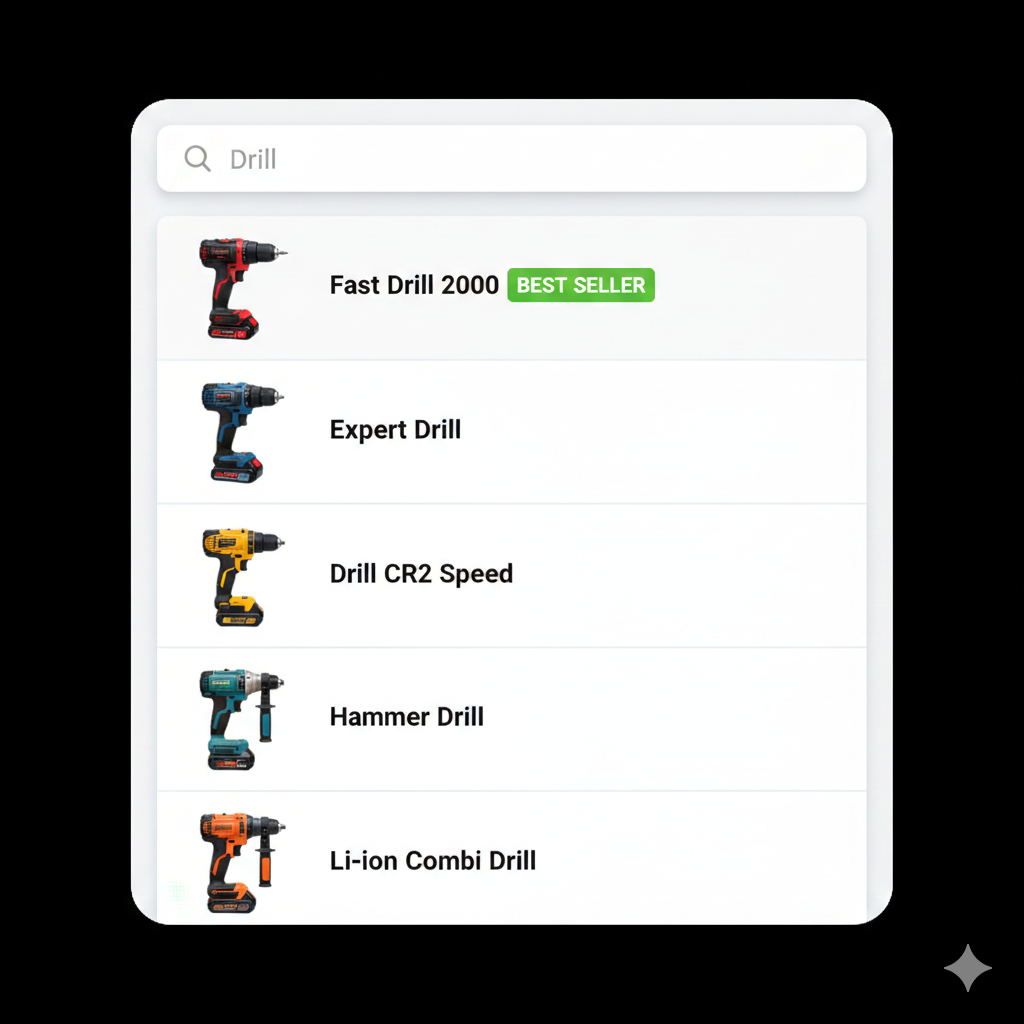
Increase Search Speed with Real-Time Query Suggestions for E-Commerce
Why Query Suggestions Matter in E-Commerce Search
Many shoppers do not know exactly what to type when they begin searching. Queries may be incomplete, misspelled, or too vague to immediately produce useful results.
Without guidance, these searches can lead to poor results or even zero-result pages, creating frustration and slowing down the shopping experience.
Real-time query suggestions improve this process by guiding users as they type.
By displaying relevant and commonly used search terms in real time, shoppers can complete their queries faster and reach meaningful results more easily.
This helps customers refine their searches before submitting them, creating a smoother and more efficient product discovery experience.
From Uncertain Queries to Guided Search
Search behavior often begins with partial or exploratory queries.
Traditional search systems typically wait until a full query is submitted before displaying results, which can lead to inefficient search journeys.
Query suggestions introduce guidance earlier in the process by suggesting relevant terms as users type.
These suggestions help shoppers refine their searches, avoid spelling mistakes, and discover commonly searched phrases that lead to better results.
As a result, customers can reach relevant products faster and experience fewer failed searches.
How Query Suggestions Work
Instant Suggestions Relevant search queries appear dynamically as users type in the search bar.
Behavior-Driven Suggestions Popular queries are influenced by real shopper search behavior.
Error Reduction Suggestions help prevent misspellings and weak or incomplete queries.
Clerk.io generates search suggestions dynamically based on shopper behavior and product availability, updating them instantly with each keystroke.
Use Case: Fewer Dead Ends, Faster Searches
An electronics retailer notices that many users type short or incomplete queries such as “wirel”, “headp”, or “usb”.
Without query suggestions, these searches may produce weak or empty results.
With real-time query suggestions, the search bar guides users toward complete queries such as “wireless headphones”, “headphones with mic”, or “USB-C charger”.
This increases the likelihood of a successful search and helps shoppers reach relevant products more quickly.
Key Benefits of Real-Time Query Suggestions
- Help shoppers complete searches faster
- Reduce misspellings and incomplete queries
- Lower the number of zero-result searches
- Guide users toward popular and relevant search terms
- Improve engagement with the search experience
By assisting shoppers during the query stage, e-commerce merchants can create smoother, faster, and more successful search journeys.