June 4, 2026
 5 min read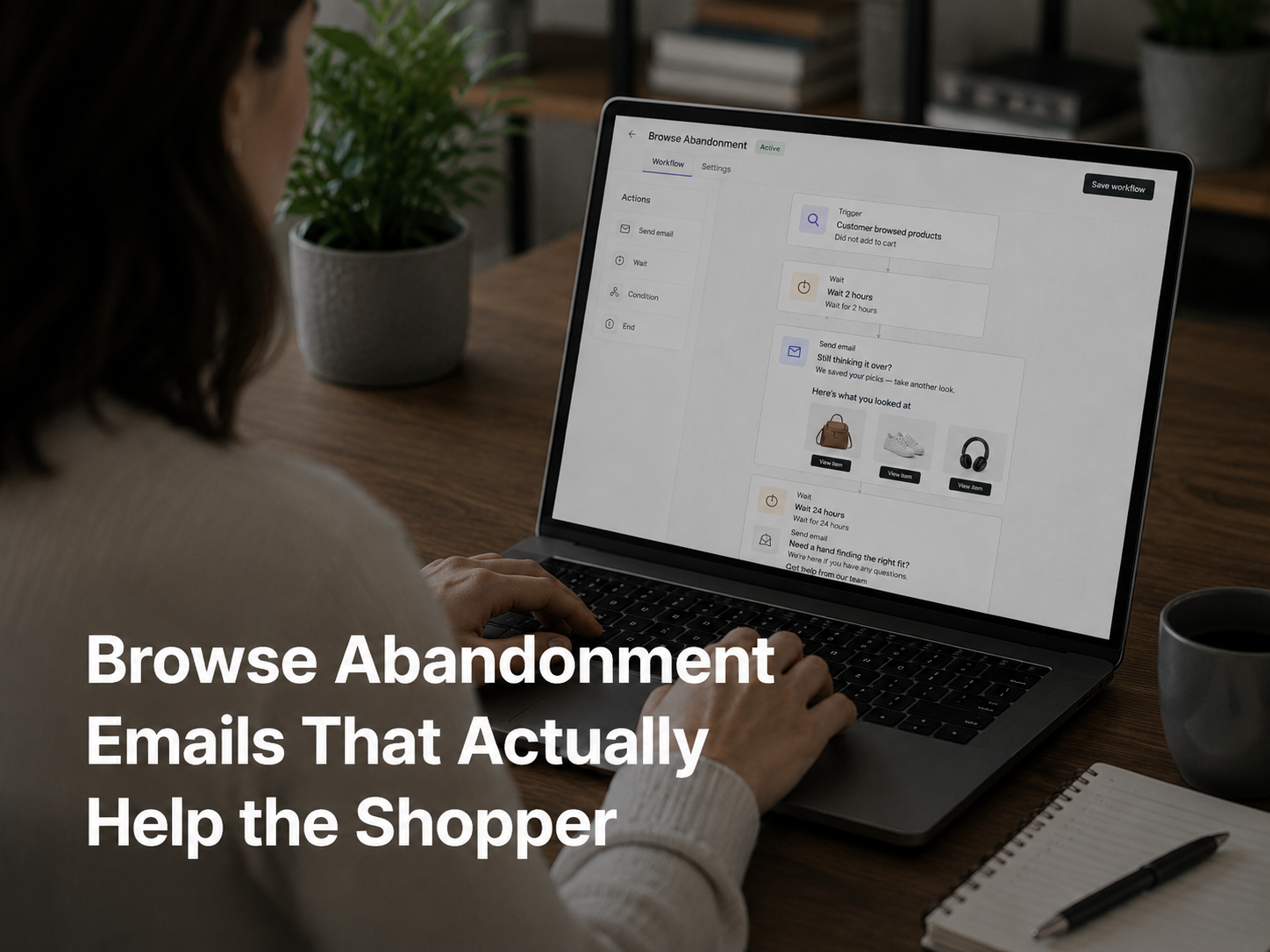
Key Takeaways
- Most browse abandonment emails repeat what the shopper already did. That is not helpful and rarely converts.
- A better browse abandonment email predicts what would help the shopper continue the buying decision: alternatives, complements, fit information, social proof.
- An AI email agent assembles the right combination based on what the shopper browsed and what similar shoppers bought next.
Why Most Browse Abandonment Emails Are Lazy
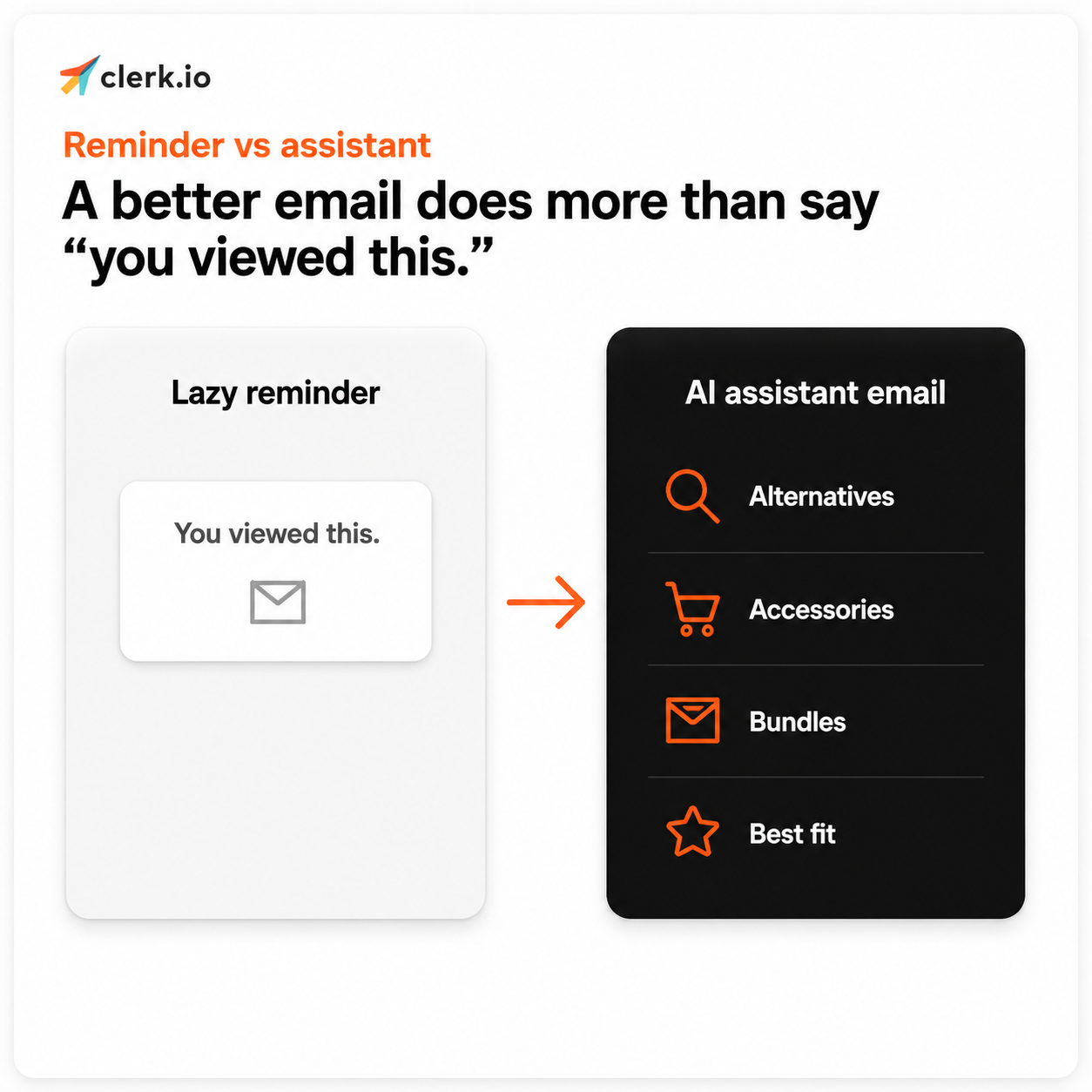
The default browse abandonment email is the shopper’s recently-viewed product, a generic “You forgot something” subject line, and a button that says “Take another look.” Maybe a product image. Maybe a discount. That is the whole email.
It is fine. It is not smart. It just repeats what the shopper already did.
The reason it underperforms is that browsing behavior is rarely simple. A shopper might view a product because they liked it. Or because they were comparing. Or because they were not sure about size, price, fit, quality, delivery, or alternatives. The viewed product is one signal in a session with several possible next steps. Showing the same product back is rarely the best of those next steps.
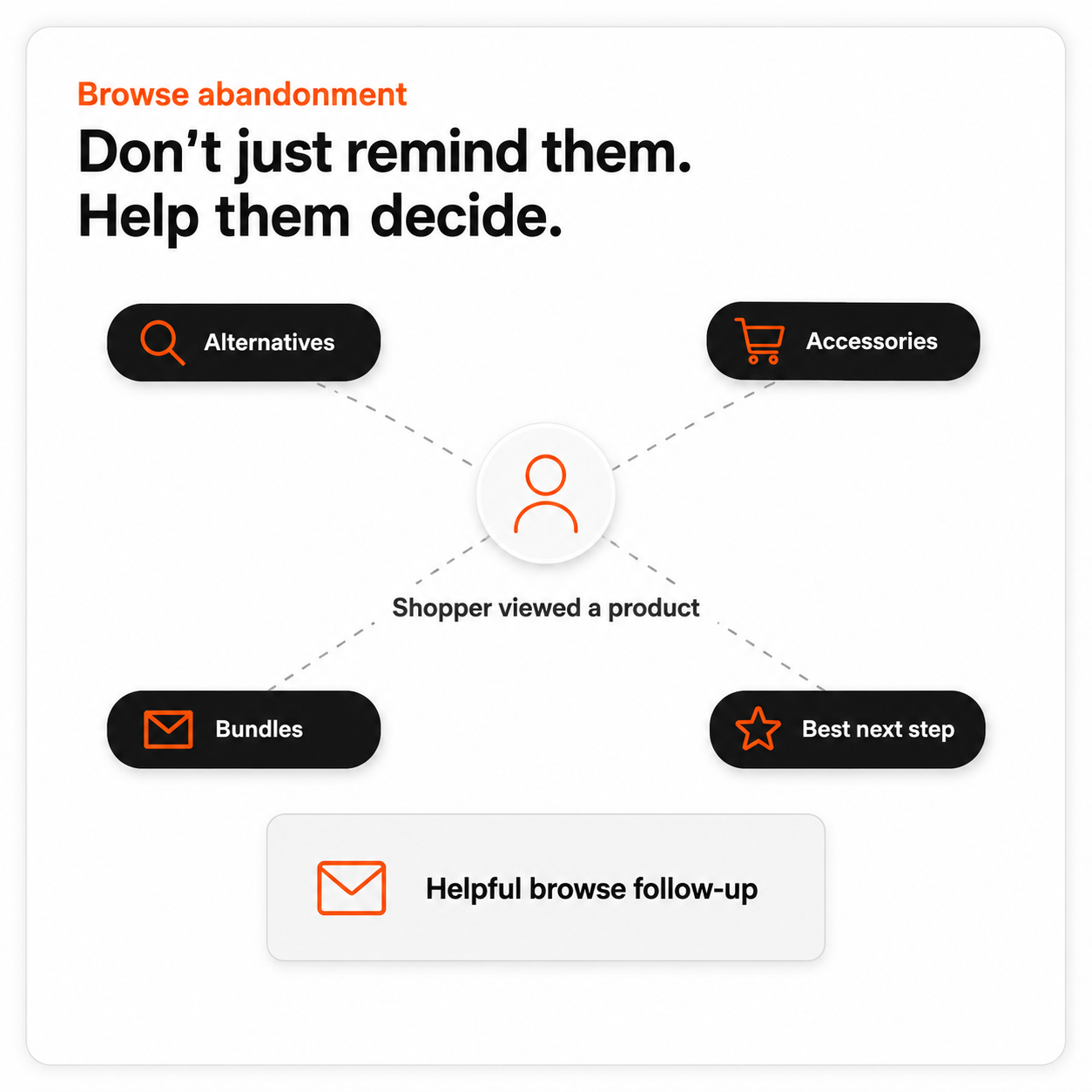
Key takeaway: A working browse abandonment email does not say “come back to this product.” It says “here are the next best options to keep moving toward a buy.”
What Browsing Actually Signals
The same browse event can mean different things depending on the rest of the session.
A shopper who views one product and leaves quickly was probably just checking the price or the spec. The signal is light.
A shopper who views the same product several times across separate sessions, or who views it alongside two or three direct alternatives, is comparing. The signal is heavy and the next email should help with the comparison: alternatives, reviews, fit information.
A shopper who views a product, adds it to their wishlist, and then leaves is held up by something specific. Usually price, delivery, or stock. The next email should address that friction directly, not just show the product again.
A shopper who views a product and then browses three or four others in the same category is exploring. The next email should expand the field: similar products, bestsellers in the category, complements.
None of this requires guessing. The session data already tells you which pattern the shopper is in. The job is to read it correctly.
What a Smart Browse Abandonment Email Does
With an AI email agent, the follow-up is built around the context of the session, not just the last product viewed. The email assembles itself from a small set of relevant blocks.
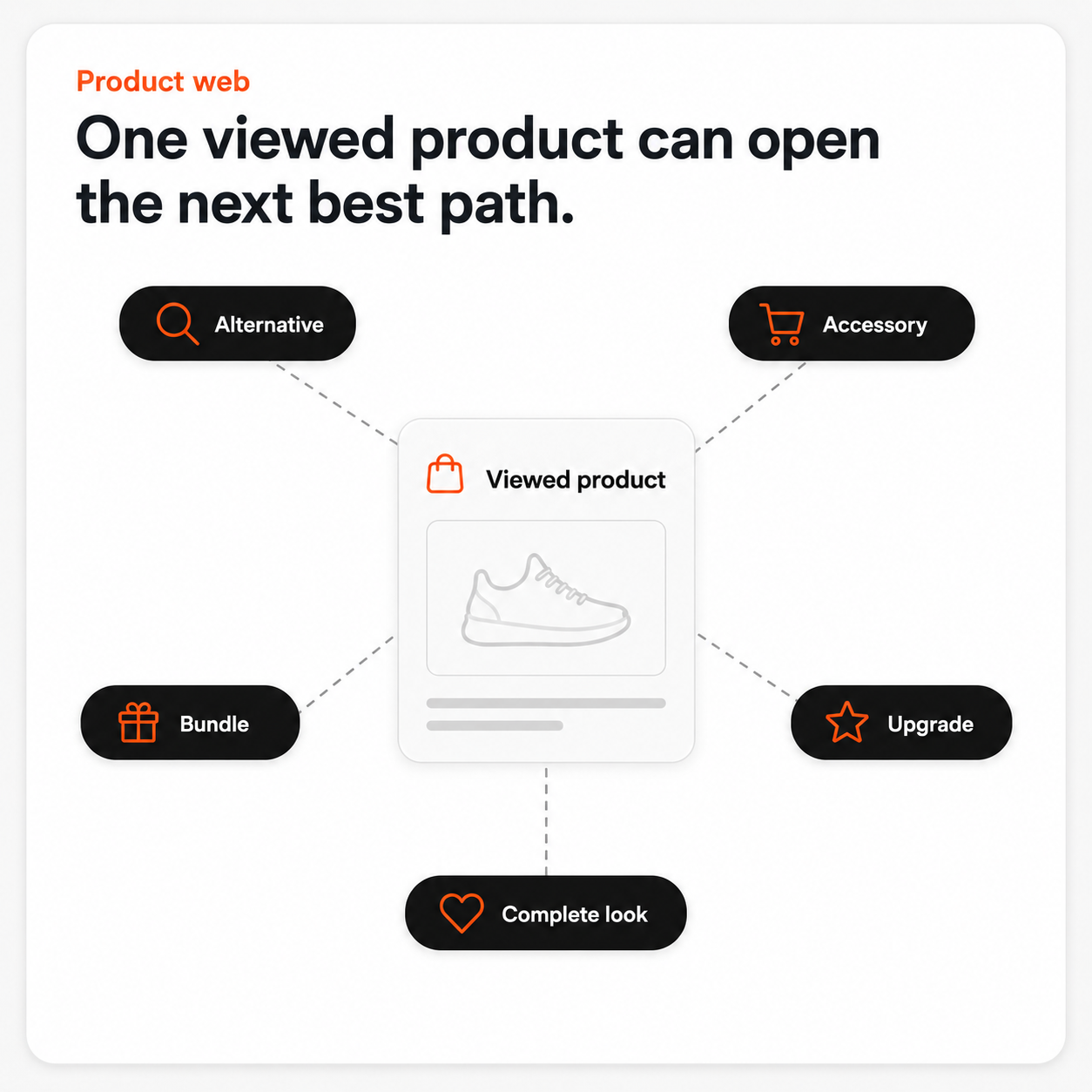
- Browsed a sofa? Show matching chairs, lamps, and rugs. The shopper is likely furnishing a room, not just considering one piece.
- Browsed a running shoe? Show similar shoes (alternatives), plus socks and recovery products (complements). Covers comparison shoppers and outfitting shoppers in one email.
- Browsed a skincare product? Show the full routine the product belongs to. Cleanser, serum, moisturizer, the order matters and the cross-sell is natural.
- Browsed a coffee machine? Show compatible filters, beans, and cleaning kits. The shopper is thinking about ownership cost, not just the device. The email does not just say “come back.” It says “here are the next best options.” One repeats what the customer already did. The other predicts what would help them buy.
How an AI Email Agent Builds It
Doing this manually for every browse session is impossible. There are too many session patterns and too many product combinations to script ahead.
An AI email agent reads the session pattern and assembles the email automatically. Inputs the agent uses:
- The products the shopper viewed and the order of the views
- How long they spent on each PDP
- Whether they viewed multiple SKUs in the same category or jumped across categories
- What similar shoppers bought next after the same browse pattern
- Current stock and price on the viewed items
- The recommendation logic the marketer chose for the flow (alternatives, complements, bestsellers, visitor history) The agent picks the right products per recipient, suppresses out-of-stock items, and writes the subject line around the most-viewed category. Marketers set the guardrails (margin caps, brand exclusions, frequency limits). The agent handles the per-shopper work.
Where Browse Abandonment Fits With Cart and Search Abandonment
Browse sits in the middle of the three behavioral triggers. Cart abandonment is the highest intent, smallest volume. Browse abandonment is mid-intent, mid-volume. Search abandonment is also high-intent and high-volume, often the cleanest signal of all.
The three flows should not compete. A well-built lifecycle program runs all three with suppression logic so the same shopper does not get all three emails in the same window. If the shopper added to cart, that flow wins. If they did not but they searched and browsed, browse wins. If they only searched, search wins.
For more context on how search abandonment fits, see our piece on search abandonment emails.
How to Measure It
Two numbers matter most.
Recovery rate. Of the shoppers who get the email, how many return and buy within a defined window (usually 72 hours)?
Block-level click-through. Which logic (alternatives, complements, bestsellers, visitor history) gets the most clicks for the most browse patterns? Once you know which block works for which pattern, you can tune the flow.
Watch out for two failure modes. Sending too often (a browse abandon email after every session trains the shopper to ignore them). And ignoring stock (an email featuring a sold-out product undermines the rest of the flow).
TL;DR
- Most browse abandonment emails repeat what the shopper already did. That is not helpful.
- The right email reads the session pattern and predicts what would help the shopper continue the buy: alternatives, complements, social proof, fit information.
- An AI email agent assembles the email from the session signals. Marketers set the rules; the agent handles the per-shopper work.
- Browse abandonment sits alongside cart and search abandonment as a core behavioral trigger. Build suppression logic so they do not overlap.
- Measure recovery rate and block-level click-through. Cap frequency and respect stock.