June 23, 2026
 3 min read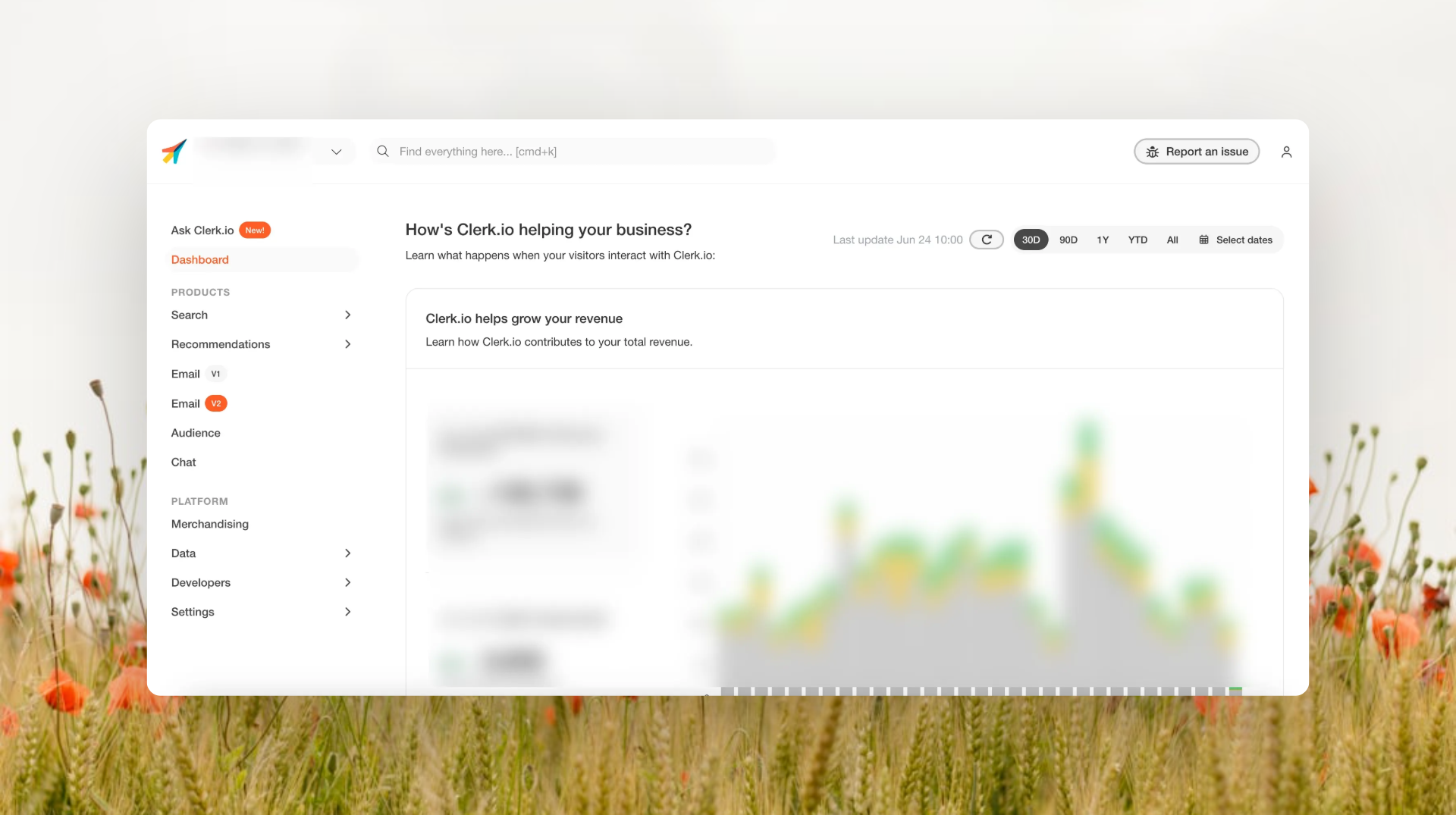
Getting help in my.clerk.io just got easier
When something does not work as expected, getting help should be quick and simple.
That is why we have added a new Report an issue button directly inside my.clerk.io.
Now, when you spot something that does not look right, you can report it from the exact page you are on. Add a short description, send the report, and my.clerk.io will include the relevant context automatically.
No extra screenshots. No digging for technical details. No long explanation of where the issue happened.
Just a simpler way to get the right help, faster.
What’s new
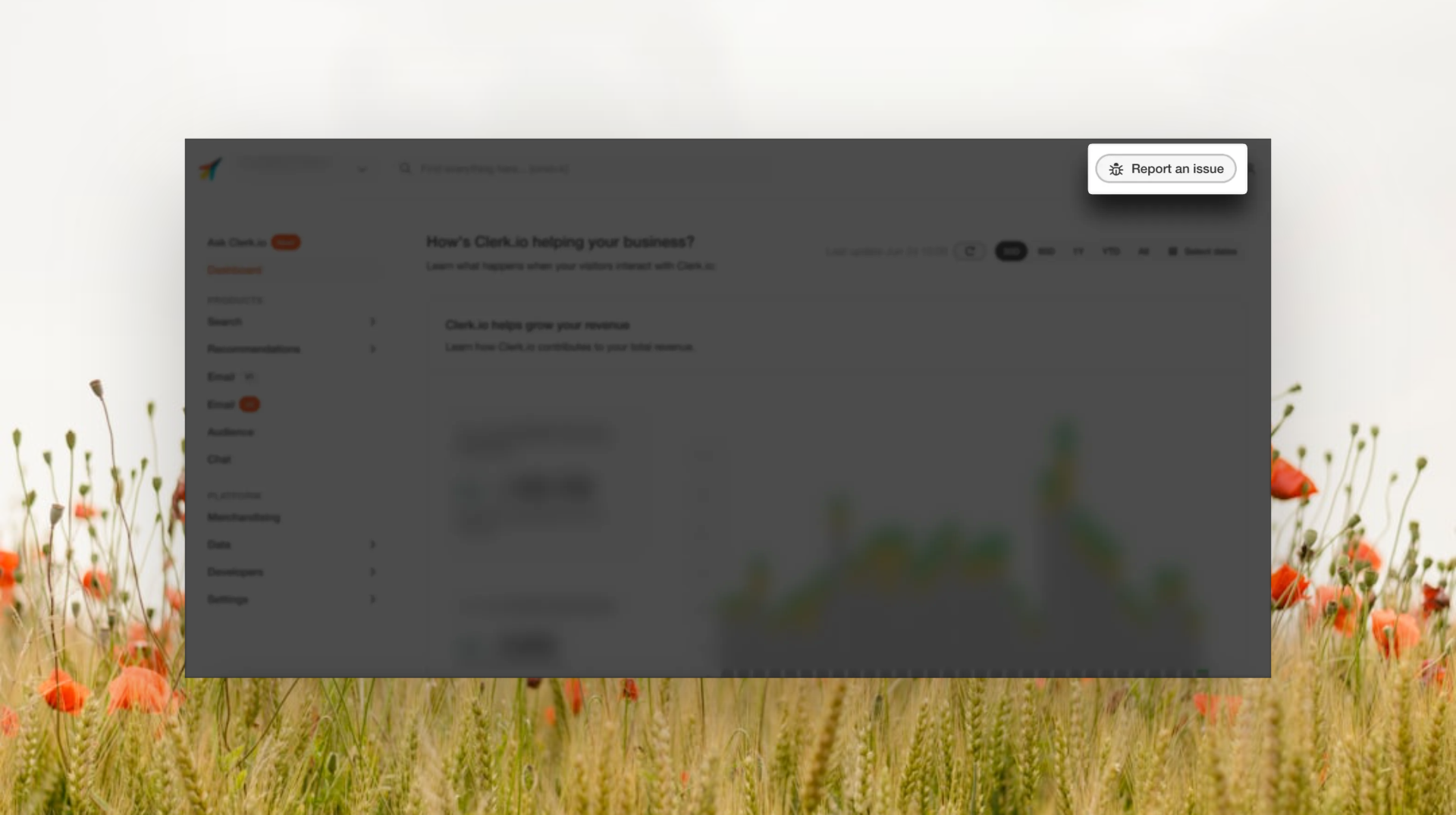
You will now find a Report an issue button in the header of my.clerk.io.
When you click it, you can describe what happened and send the report straight from your current view.
To make it easier for you, my.clerk.io automatically adds helpful context to the report, such as:
- A screenshot of the page you are on
- Recent activity related to the issue
- Relevant store and account details
- The page where the issue happened
- Your description of the problem This gives us the information needed to look into the issue, without asking you to collect it manually.
Why this matters for you
Reporting a problem often takes more effort than it should.
You may be asked to send a screenshot, explain where you were in the platform, describe what happened before the issue appeared, or help gather technical details from your browser.
That takes time away from the work you actually came to Clerk.io to do.
The new Report an issue button removes most of that work.
You can report the issue while it is still in front of you, and the important context is included automatically.
How it works
When you notice something in my.clerk.io that does not work as expected:
- Click Report an issue in the header
- Write a short description of what happened
- Send the report Once the report has been sent, you will see a confirmation with a reference ID.
You can share this reference ID with Customer Support if you contact us about the same issue later.
Less effort when something goes wrong
This update is all about making support easier when you need it.
It helps you report issues with less work, gives us a clearer starting point, and reduces the need for back-and-forth messages.
So when something needs attention, you can let us know in a few clicks and get back to your work.
Available now
The new Report an issue button is now available in my.clerk.io.
You can find it in the header and use it whenever you need to report something that does not work as expected.