October 27, 2026
 4 min read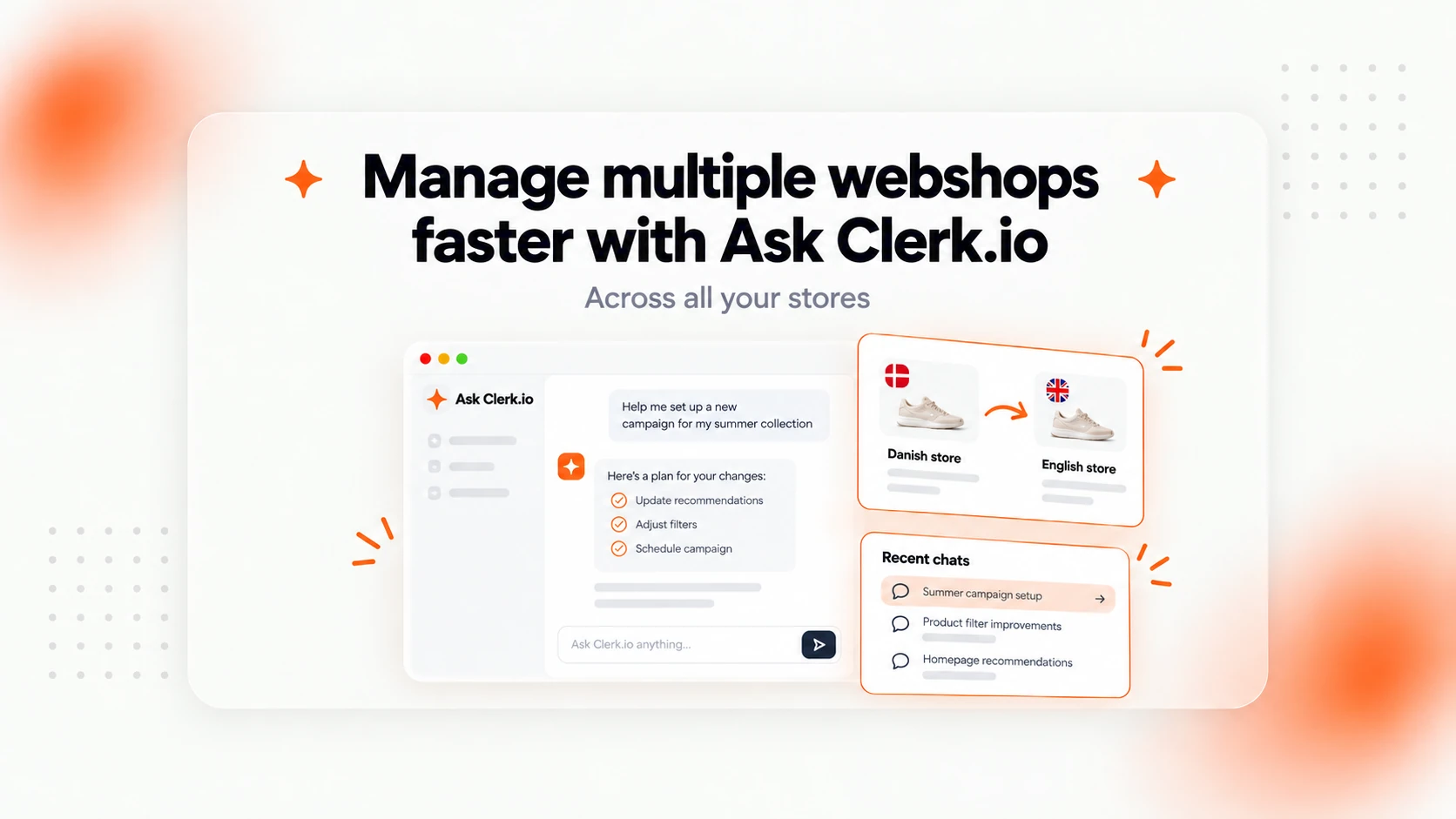
Two new updates to Ask Clerk.io make it easier to manage your stores, reuse your existing setups, and continue conversations whenever you need to.
If you manage multiple webshops, you know how much time it can take to set up the same designs, recommendations, and campaigns across different stores.
And when you’re working with Ask Clerk.io, sometimes you want to return to something you started earlier without having to explain everything again.
With our latest updates, you can now do both.
1. Copy designs, campaigns, and settings between stores just by asking
Running multiple stores under the same company? You can now ask Clerk.io to copy an existing setup from one store to another.
For example, imagine you’ve created the perfect Omni Search design for your Danish webshop and want to use it on your English store too.
Just tell Ask:
“Use the same Omni Search design from my Danish store on my English store, and set it up the same way.”
Ask will prepare a plan, show you what it intends to copy, and ask for your approval before making any changes.
What can you copy between stores?
- Designs: Including complete Omni Search designs
- Search and Recommendations: Reuse your existing elements and configurations
- Merchandising: Copy campaigns, search rules, and synonyms
- Email marketing: Copy email flows, product blocks, and audiences
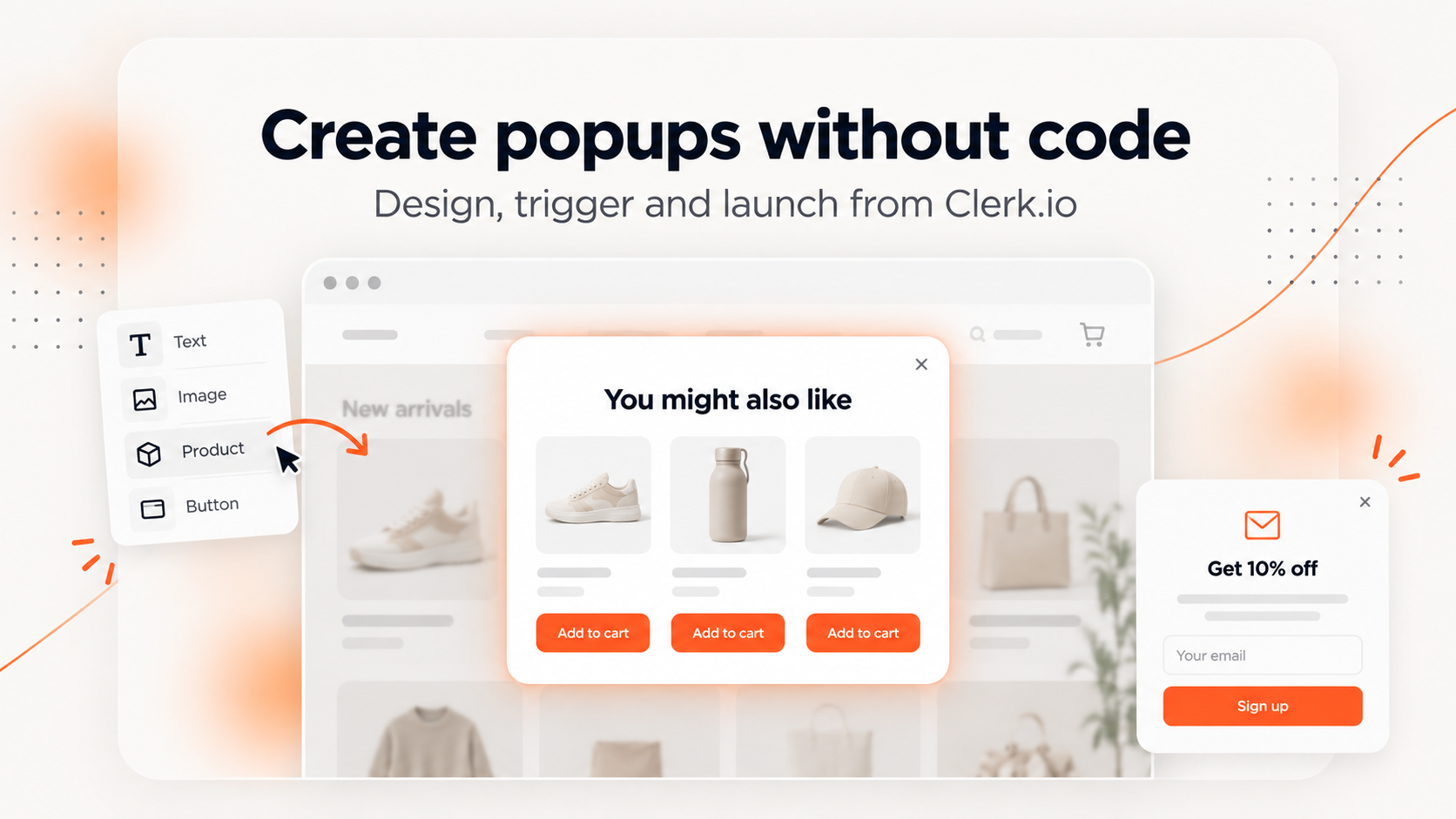
- Popups: Reuse popups you’ve already created
- Data imports: Copy your data synchronization setups
You can even ask Clerk.io to move a setup from one store to another.
You’re always in control
Ask shows you its plan before taking action. New copies are initially switched off, so you can review them before activating them.
Your existing setups remain untouched, and Ask will point out any store-specific details that may need adjusting, such as language, currency, or products.
The business benefit? Spend less time recreating work across your webshops and more time improving the shopping experience. A successful setup in one store can become the starting point for your others in just a few instructions.
2. Your conversations with Ask Clerk.io are now saved
Ever started working on something in Ask Clerk.io, only to get interrupted and need to come back later?
Now you can pick up right where you left off.
Ask Clerk.io automatically saves your conversations, even when you close your browser or switch between stores within the same company.
You’ll find your 10 most recent conversations in the menu, each with a short title so you can easily find what you were working on.
Continue your work, even days later
Imagine you asked Clerk.io to update a recommendation design on Monday.
On Thursday, you decide you’d like to reverse that change.
Simply reopen the conversation and say:
“Undo the change you made to my recommendations.”
Ask remembers the earlier conversation and can use that context to help you make the change.
You can also switch between stores without losing the conversation you’re working on.
Your conversations are saved at company level and remain available for up to 90 days after the last activity.
The business benefit? You can work on projects over several sessions, return to previous decisions, and make follow-up changes without starting from scratch each time.
Less repetitive work. More time for your webshop.
These two updates make Ask Clerk.io an even more useful assistant for managing your ecommerce business.
Whether you’re launching a new country store, copying a successful campaign, or returning to a project you started last week, Ask helps you get things done through simple conversations.
Both updates are live now in MyClerk.