September 15, 2026
 7 min read
Faceted search: the short answer
Ecommerce faceted search lets shoppers narrow a product set by attributes such as size, color, brand, price, material, or compatibility. Good facets reflect the category, use consistent values, update with inventory, and show the effect of a selection before the shopper commits. Poor facet design creates empty pages and hides useful products.
Match filters to the category
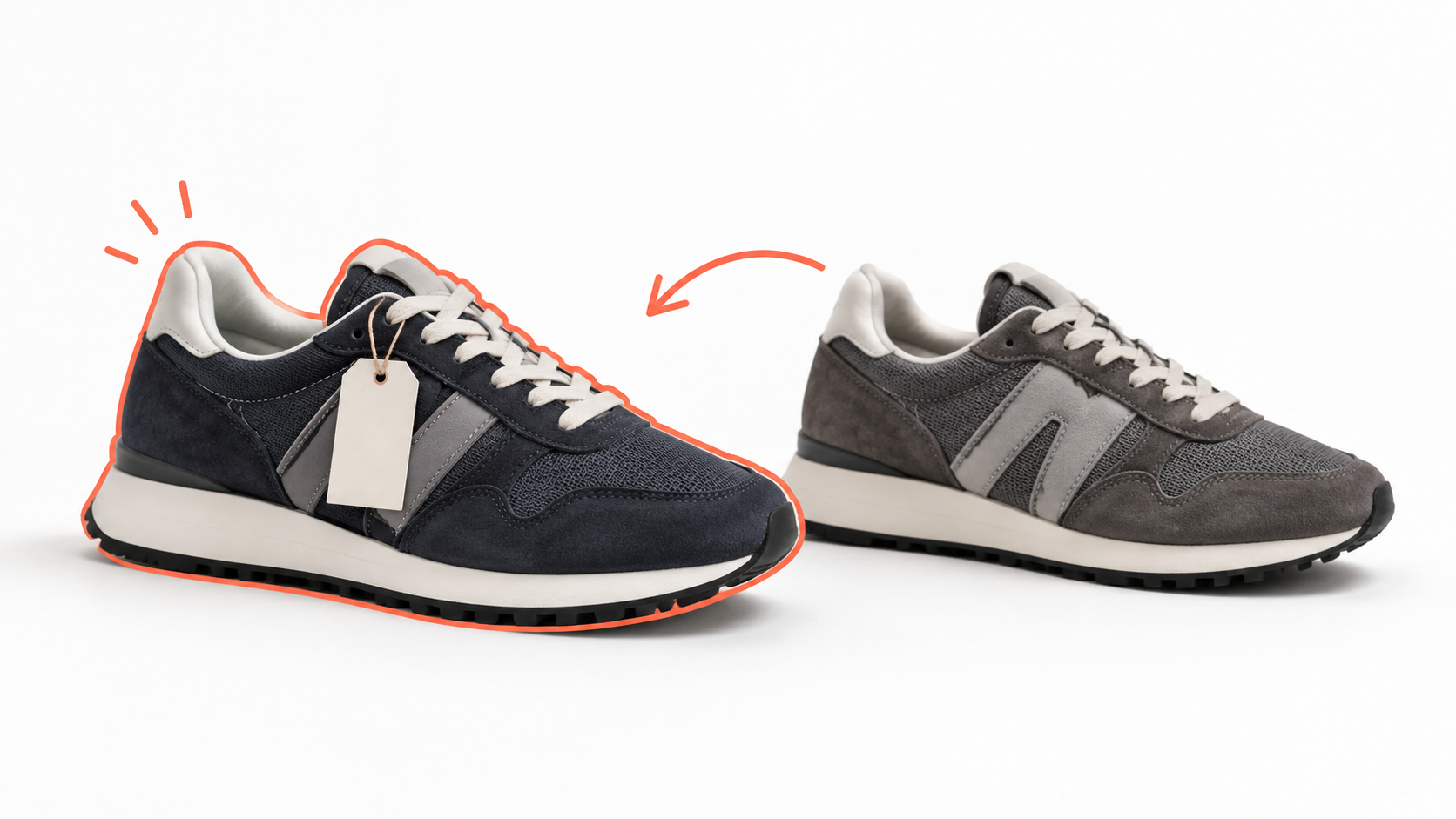
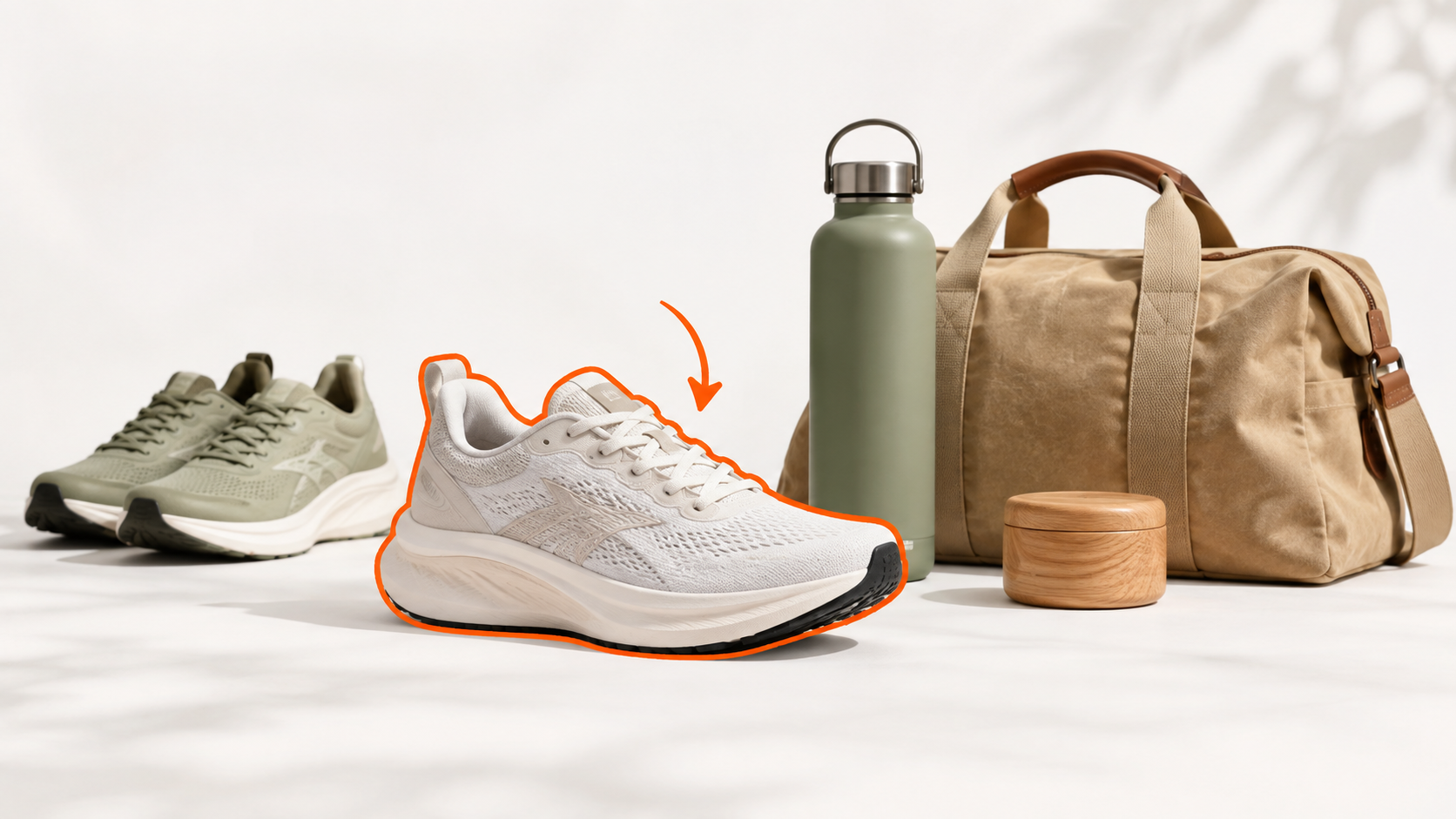
A shoe category may need size, width, color, brand, and activity. A television category may need screen size, resolution, and smart features. Use category-specific facets instead of showing every attribute in every department.
Prioritize the filters shoppers use most. Put price, availability, brand, and the key product attributes near the top. Hide low-value attributes behind a clear expansion control.
Prevent combinations that cannot work
Use live counts to show how many products remain after each selection. Disable combinations that produce no products or explain why a combination is unavailable. Keep selected filters visible so shoppers can remove one without restarting.
Clean source data first. “Navy”, “navy blue”, and “dark blue” may create separate values when shoppers see them as one choice. Variant data also needs care. A product should not qualify for a size filter when that size is unavailable.
Clerk.io’s Intelligent Search includes dynamic facets, category search, and analytics. Review filter usage by category and device.
Free ebook: Clerk.io’s Search covers practical search and product discovery improvements.
Try a free trial or book a demo to review your filters.
TL;DR
Facets should narrow a category using clean, category-specific attributes. Show counts, keep availability current, prevent impossible combinations, and make selected filters easy to remove.