October 9, 2026
 5 min read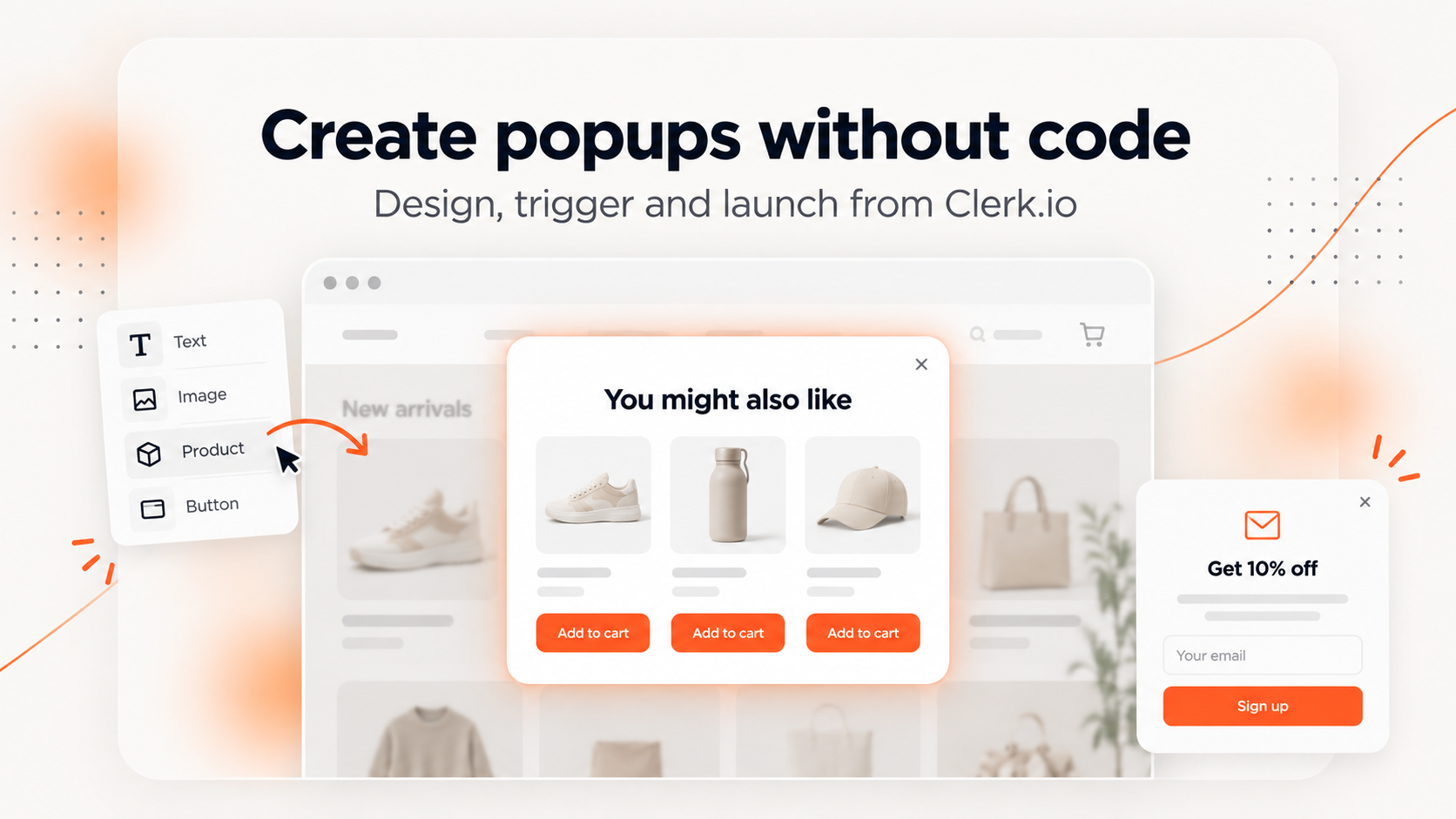
You can now create, customize, and add recommendation and email signup popups to your webshop directly from my.clerk.io. No coding or manual code insertion needed.
Popups are a great way to recommend more products, encourage customers to complete a purchase, and grow your email subscriber list.
But setting them up has often meant working with code or getting help from a developer.
With our latest update, Clerk.io makes the process much simpler.
You can now create and inject popups directly from my.clerk.io, control when they appear, and customize their design to match your webshop.
Everything is managed from one place, so you can get your popups up and running without touching your website’s code.

What’s new?
Clerk.io now supports three types of popups that you can set up and manage directly from my.clerk.io.
1. After Add to Cart popups (Powerstep)
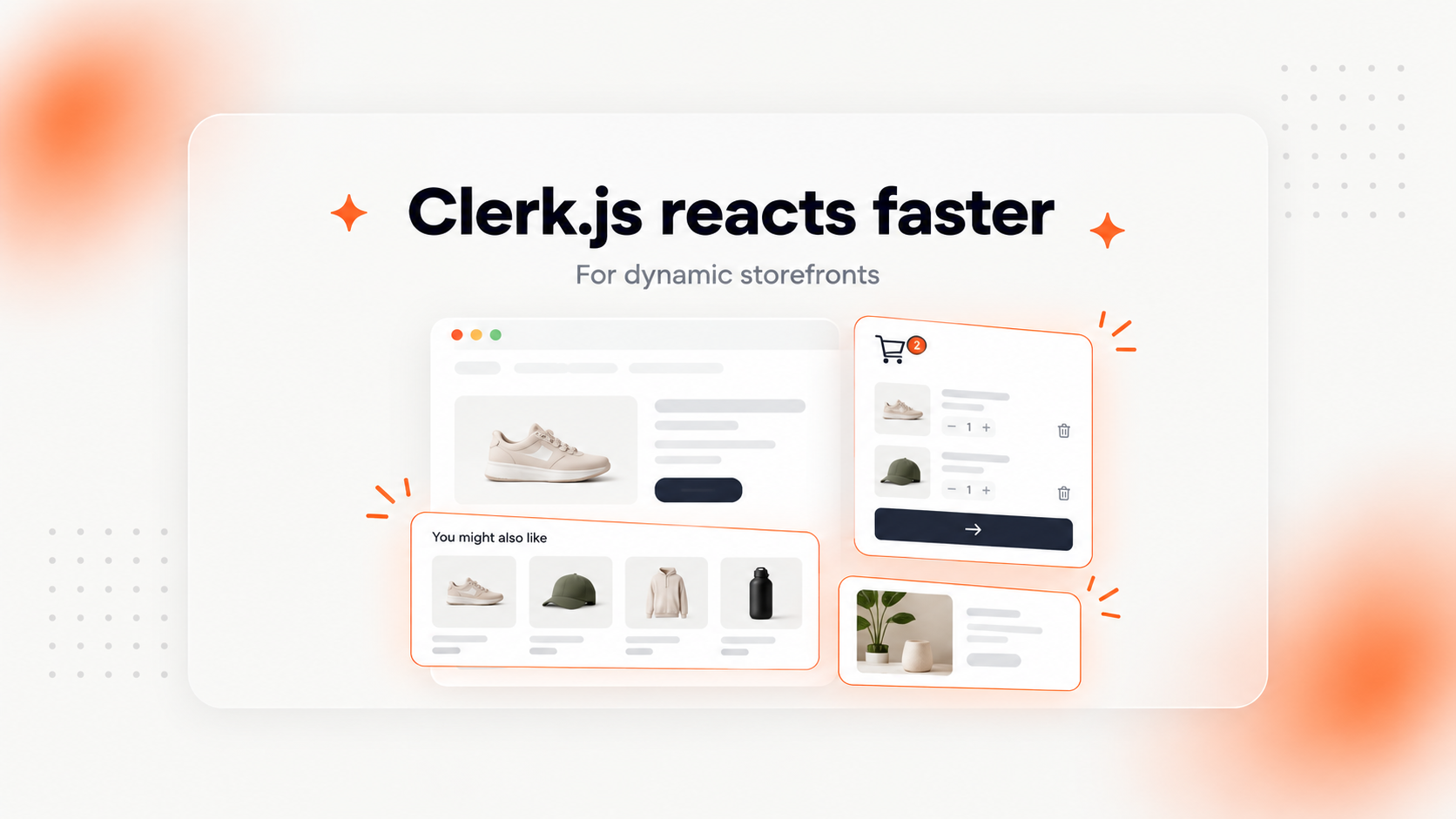
When a customer adds a product to their cart, you can automatically show a popup displaying the product they just added, including its name and image.
You can also include a product recommendation slider to suggest other relevant items based on your chosen recommendation logic.
For example, if a customer adds a pair of running shoes to their cart, the popup could show matching socks, running accessories, or other products they might be interested in.
This gives customers a convenient way to discover additional products while they’re already shopping.
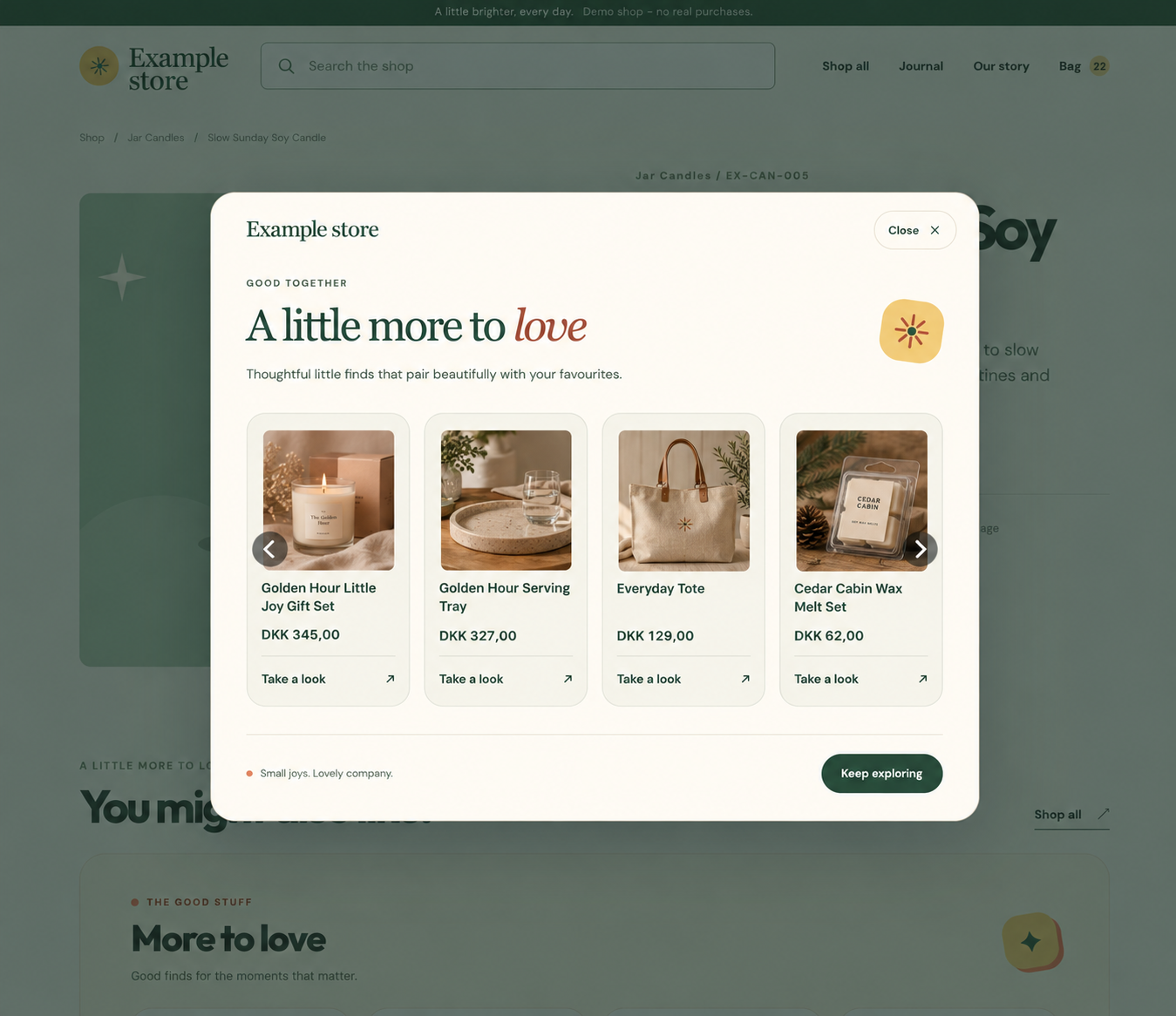
An After Add to Cart popup can recommend complementary products while the customer is already shopping.
2. Exit-intent popups
You can now display a recommendation popup when a customer shows signs of leaving your webshop.
For example, if someone is about to close the page, you could show a selection of popular products or other relevant recommendations to encourage them to keep browsing.
You can choose the recommendation logic and manage the popup’s triggers directly from my.clerk.io.
3. Email signup popups
Want to grow your email subscriber list?
You can now create and inject email signup popups directly from Clerk.io.
You decide when the popup should appear, based on:
- Time on page: Show the popup after a chosen number of seconds.
- Scroll depth: Show the popup once a visitor has scrolled through a certain percentage of the page.
You can also choose where new subscribers are added.
For example, you could create a popup for your Black Friday campaign and add everyone who signs up to a dedicated “Black Friday” subscriber list.
Or you can use a general newsletter signup popup that adds new subscribers to your main subscriber list.
Customize your popups to match your webshop
All three popup types can be customized directly in my.clerk.io under their respective Design sections.
For recommendation popups, you can start with a ready-made Powerstep design or use a blank design for more flexibility.
Email signup popups also come with a fully customizable design.
This lets you adjust the appearance of your popups to match your webshop’s branding and create a consistent shopping experience.
Why does this matter?
The biggest improvement is how easy it is to get started.
Previously, adding popups to your webshop could involve inserting code or working with a developer.
Now, you can manage the entire process directly from Clerk.io.
That means you can:
- Launch popups without writing code: Create and inject popups directly from my.clerk.io.
- Recommend more products: Show relevant product suggestions after an add-to-cart action or when visitors are about to leave.
- Grow your email list: Collect subscribers through popups triggered by time on page or scroll depth.
- Control when popups appear: Manage popup triggers and settings from your dashboard.
- Match your webshop’s design: Customize each popup to fit your brand.
How to get started
The new popup functionality is now available in my.clerk.io.
To get started:
- Log in to my.clerk.io.
- Navigate to Recommendations or Emails and find Popup.
- Choose the popup type you want to create.
- Customize the design, select your recommendation logic or subscriber list, and configure the triggers.
- Inject the popup into your webshop directly from my.clerk.io.
That’s it! You can now create and manage popups without inserting code into your webshop.
Log in to my.clerk.io to try the new popup functionality.