June 24, 2026
 3 min read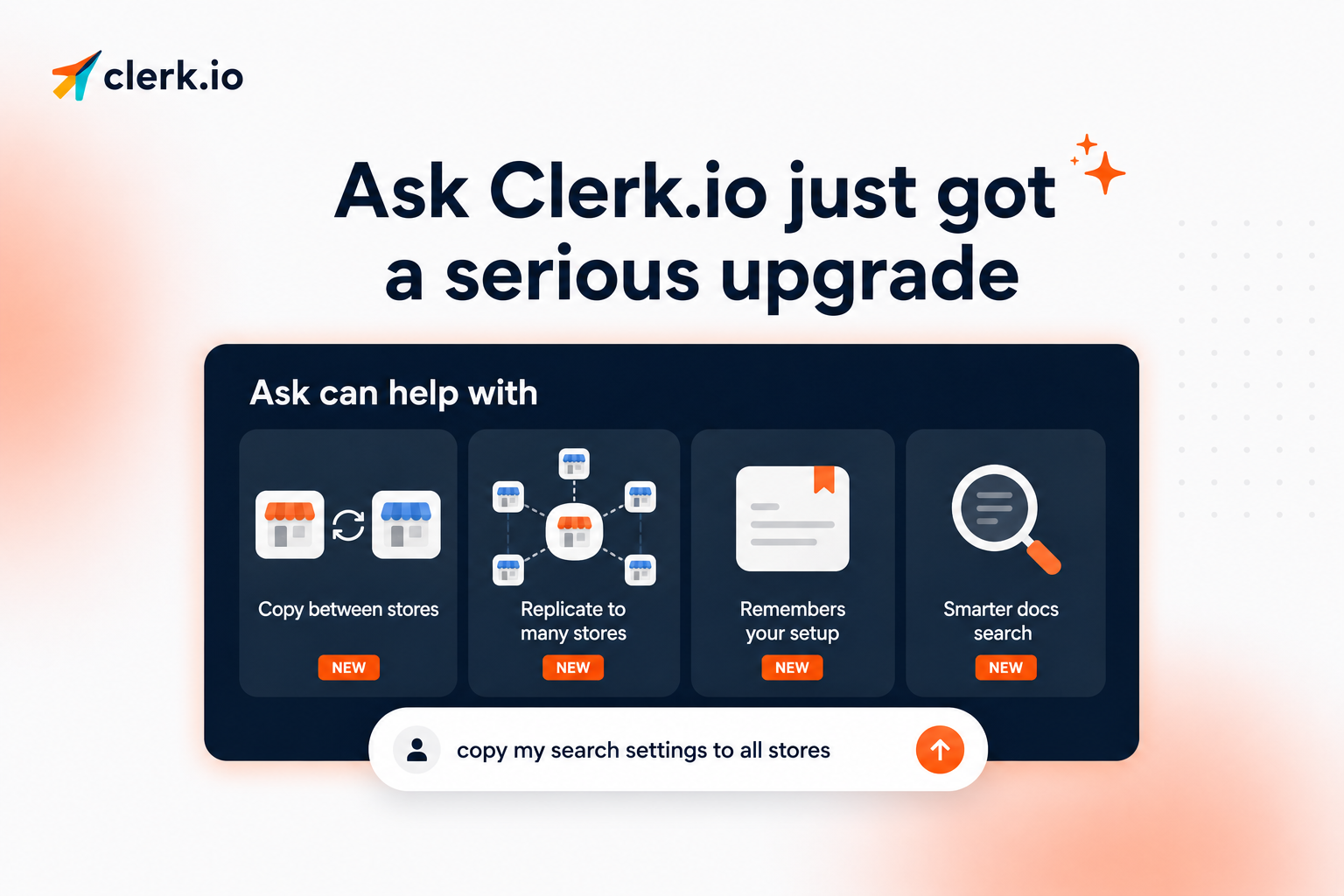
Ask Clerk.io just got a major upgrade.
You can now use Ask for more of the everyday work that usually takes clicks, digging, and repeated setup. It can help copy settings, apply changes across stores, remember useful context, find better answers in our docs, and guide you more safely before anything changes.
In short: Ask is becoming a more useful assistant for managing your Clerk.io setup.
Copy designs and settings between stores
If you manage more than one store, Ask can now help you copy setup from one store to another.
That includes things like:
- Designs
- Product recommendations
- Search settings
- Redirects So when something works well in one store, you do not have to rebuild it manually somewhere else.
You can tell Ask what you want copied, where it should come from, and where it should go. Ask will prepare the change and show you what it plans to do before anything is applied.
Apply changes across several stores at once
Ask can also replicate settings to multiple stores in one request.
That is useful when you want the same configuration across several markets, brands, or country stores.
For example, you could ask Ask to apply the same search setup across all your stores, copy a recommendation design to several markets, or make sure redirects stay consistent across different storefronts.
Instead of updating each store one by one, you can describe the change once and review it before it goes live.
Ask now remembers useful context
Ask can now remember facts about your store across conversations.
That means you do not have to explain the same setup every time you start a new chat.
Ask can pick up useful details about how your store is configured, what you have worked on before, and how your Clerk.io account is set up. The next time you chat, it can use that context to give more relevant help from the start.
Better answers from Clerk.io docs
Ask has also become better at searching the Clerk.io help center and developer docs.
This makes it easier to get answers when your question is short, technical, or hard to phrase.
Instead of searching through documentation yourself, you can ask in normal language and get a more accurate answer faster.
Safer changes with clear approval
We have also improved how Ask handles changes behind the scenes.
Ask now has stronger checks to avoid common mistakes, like copying a store onto itself, changing the wrong settings, or removing something you did not ask it to touch.
And Ask still asks for your approval before making changes.
It can suggest, prepare, and explain the update, but you decide what gets applied.
Why this matters
This update makes Ask Clerk.io better at helping with real store management tasks.
It can save time on repeated setup work, give answers that are easier to act on, remember useful context, and handle changes more carefully.
Ask Clerk.io is now more capable, more reliable, and easier to use as part of your everyday workflow.