June 10, 2026
 5 min read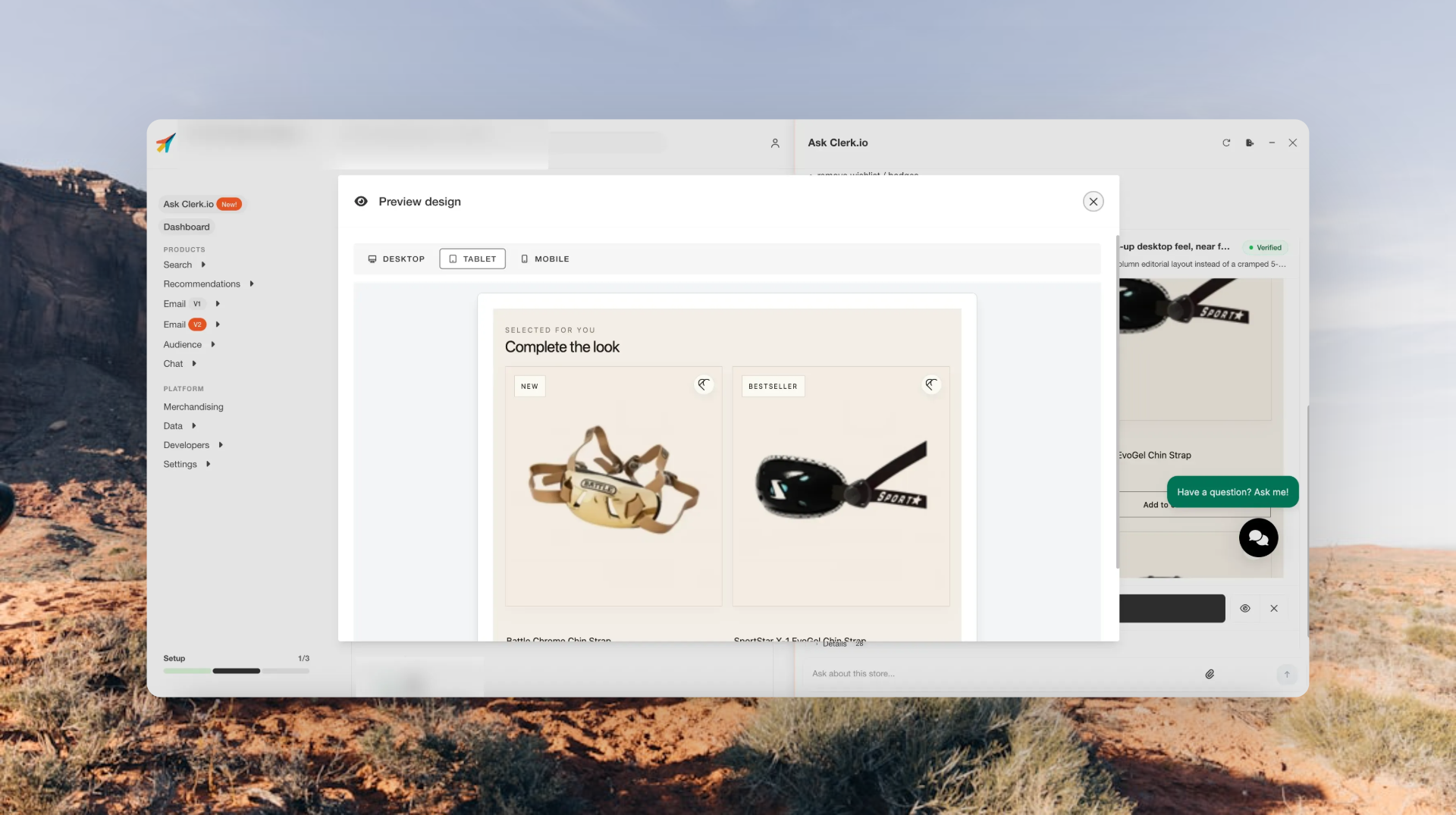
Design Studio in Ask Clerk.io is built for one simple idea:
You describe the design change you want, and Ask Clerk.io helps make it happen.
Now, that experience is much sharper.
The latest update makes Design Studio better at handling precise design changes across recommendations, emails, and instant search. That means merchants can ask for smaller, more targeted tweaks and get a result that stays focused on the request.
- Want the Add to Cart button to stand out more?
- Need tighter spacing in an email header?
- Want filters shown in instant search?
Just ask in plain language.
Design Studio makes the change, checks the result, and shows a preview before anything goes live.
More precise design edits
Some design tasks are broad. Others are tiny but important.
Changing the spacing in one section, adjusting one button, or updating one block should not affect the rest of the design. This update makes Design Studio much better at keeping edits scoped to the right place.
So when you ask for a specific change, Design Studio focuses on that change.
That gives merchants a smoother way to keep improving their store experience without needing to jump into code, rebuild layouts, or start from scratch.
Works across more surfaces
Design Studio now works more consistently across:
- Storefront recommendations
- Email designs
- Instant search experiences
That means merchants can use one conversational flow to edit different parts of the customer journey.
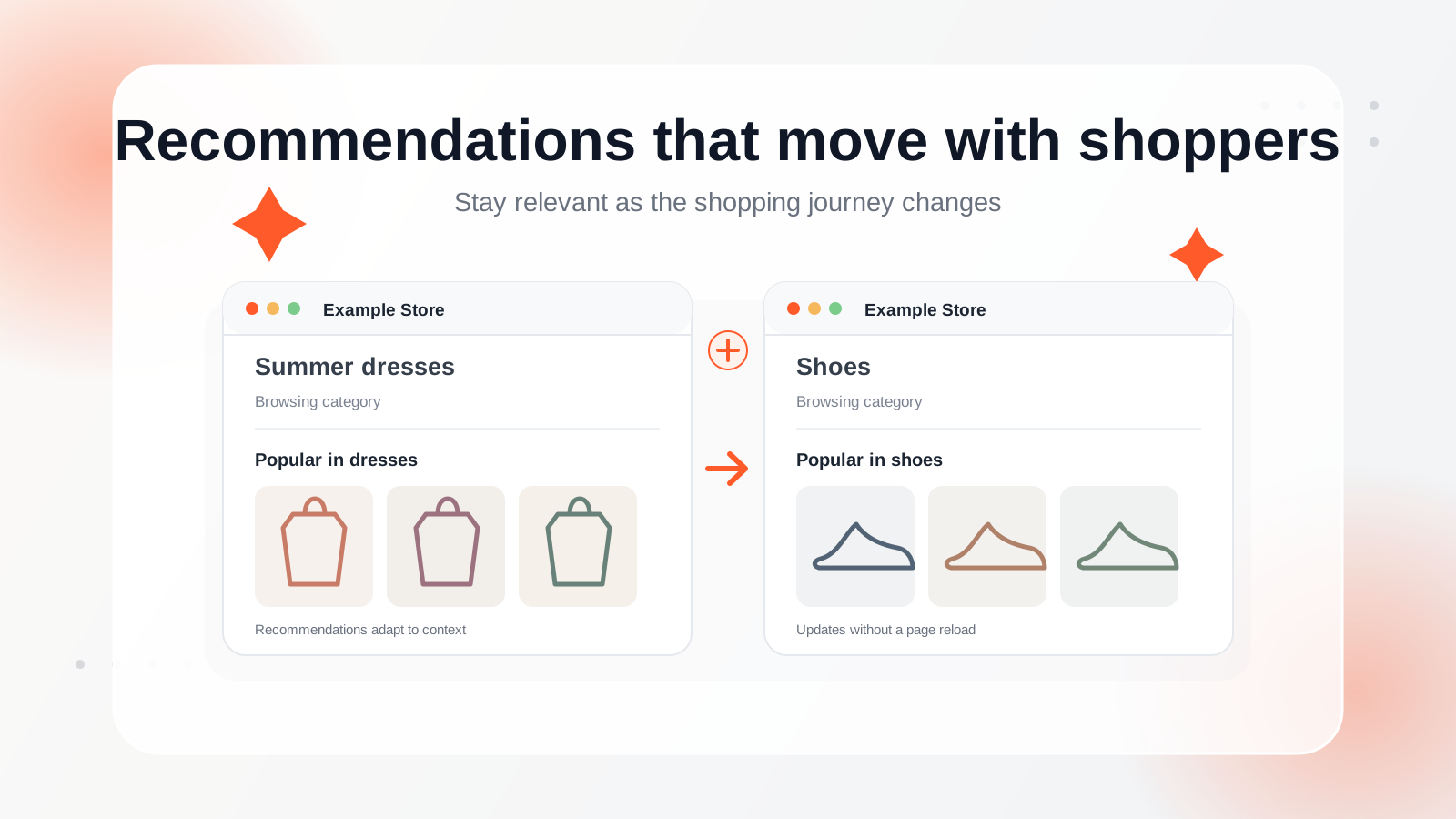
You can work on a recommendation slider, move to an email design, then adjust instant search, all through Ask Clerk.io.
Each design stays tied to the right context, so changes stay where they belong.
Preview before anything goes live
A good design workflow needs trust.
With this update, Design Studio checks its own work in a real browser before marking a change as ready. That means the preview you see is much closer to what will actually be saved.
You can review the result, keep iterating, and only move forward once the design looks right.
Better recovery when something needs another pass
Design work is rarely one and done.
Sometimes the first version is close, but needs one more tweak. Design Studio is now better at understanding what happened, adjusting its approach, and trying again.
Instead of starting over, merchants can keep the conversation going:
“Make it a bit softer.” “Try a smaller button.” “Keep the layout, but change the spacing.” “Use the same style, but make the headline clearer.”
Design Studio can now handle that back-and-forth more reliably, making the whole process feel more like working with a careful designer inside Ask Clerk.io.
What’s new
Design Studio in Ask Clerk.io now supports:
- More precise, scoped design changes
- Better editing across recommendations, emails, and instant search
- Browser-based checks before a change is marked ready
- More reliable email design rendering
- Stronger context handling when switching between design targets
- Better handling of missing or messy data
- Smarter retries based on what actually happened
Why it matters
Most ecommerce teams have a long list of small design improvements they want to make.
- A button could be stronger.
- An email could use better spacing.
- A search experience could be easier to use.
- A recommendation block could fit the brand better.
These changes matter, but they often get pushed aside because they take time, technical work, or design support.
Design Studio makes those improvements easier to act on.
Merchants can describe what they want, review the preview, and keep refining until the result feels right.
It turns design editing into a conversation, without taking control away from the merchant.
Design Studio in Ask Clerk.io is live
The upgraded Design Studio is now live in Ask Clerk.io.
Open Ask Clerk.io, describe the design change you want, and let Design Studio help you make it.