June 4, 2026
 5 min read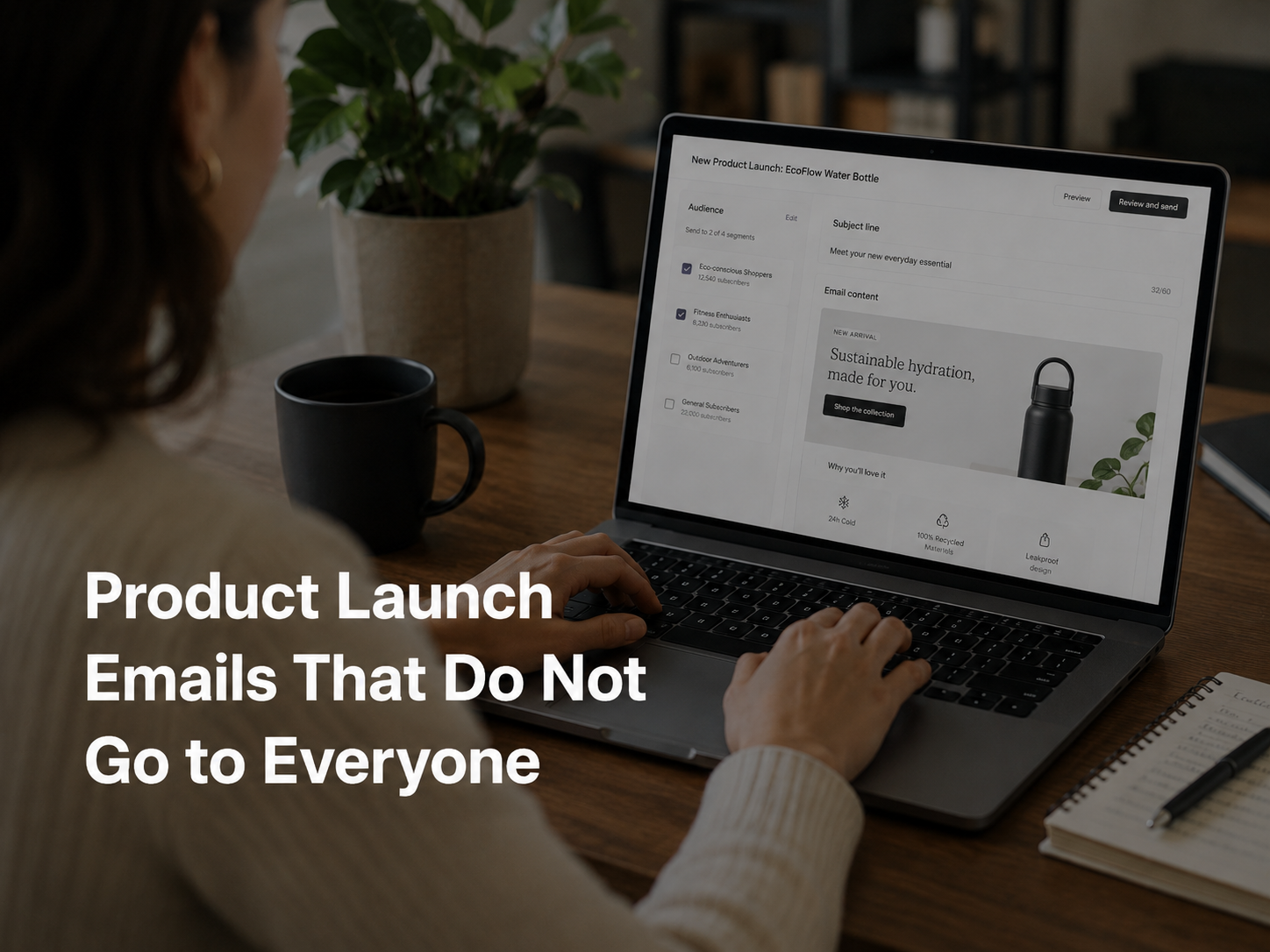
Key Takeaways
- A whole-list launch email is the lazy default. It works but it leaves revenue and brand trust on the table.
- The right launch goes to the customers most likely to care, with the products that actually fit their history, in the order that suits the segment.
- An AI email agent assembles per-segment versions from one launch brief. Marketers approve the angles, the agent handles the assembly.
The Whole-List Launch Problem
A new collection goes live. Most ecommerce brands do the same thing. They write one campaign, set the audience to “all subscribers,” and ship.
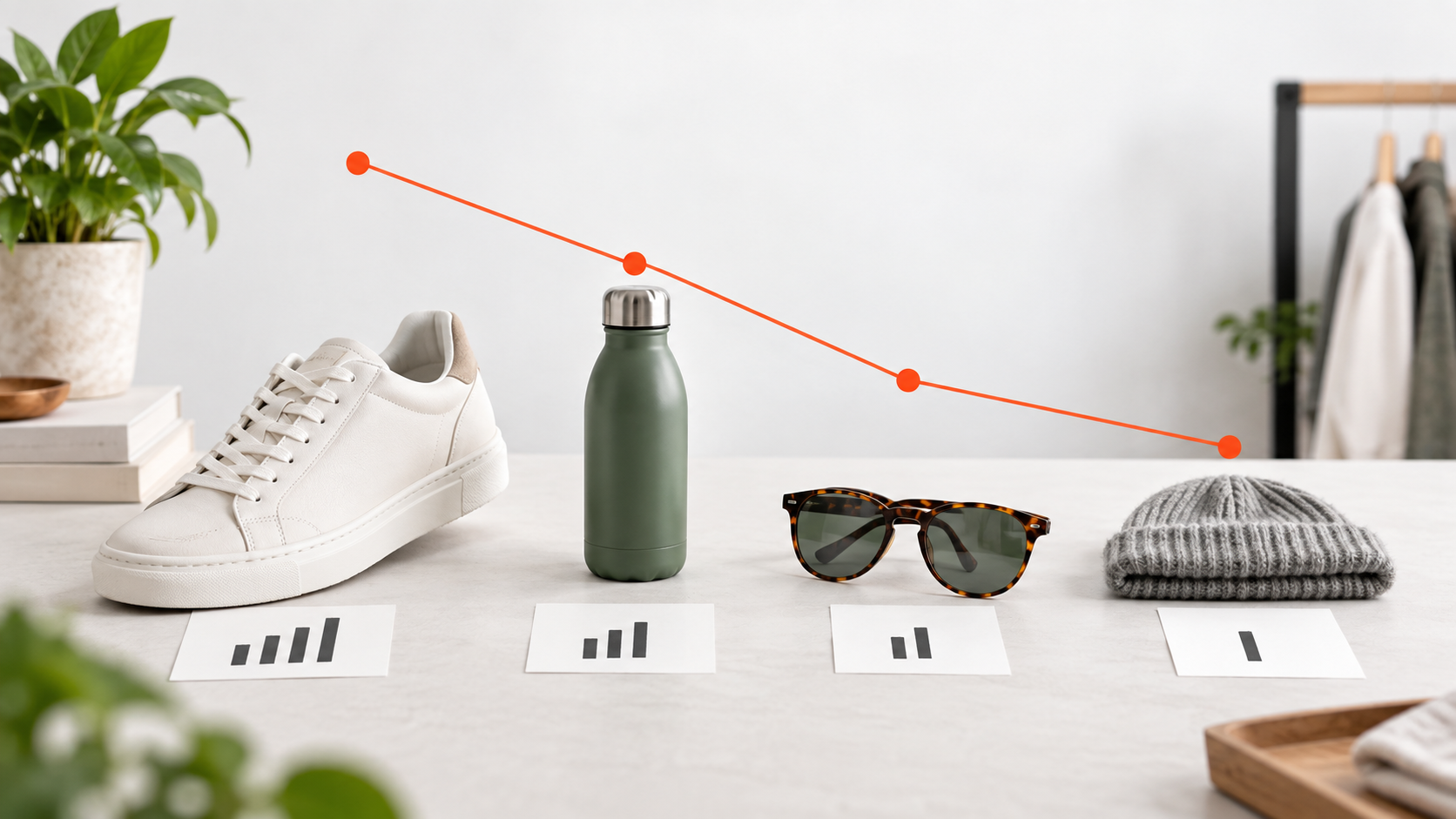
That works for a small slice of the list. The rest see products they will not buy, in categories they do not shop, at prices that do not fit their pattern. Best case: they ignore the email. Worst case: it adds to the noise that eventually leads to an unsubscribe.
Three obvious mismatches show up every time.
- A customer who only buys kids’ clothing does not need your new men’s collection.
- A minimalist homeware buyer is unlikely to respond to bold seasonal colours.
- A premium running customer should not get the same email as someone who only buys discounted gym accessories. The fix is not to send fewer launches. It is to send launch emails that match what each segment actually shops for.
Key takeaway: The launch is one event. The email should be many versions of one event, each version matched to a segment.
What a Segmented Launch Email Asks
A working launch program does not start with “send to all.” It starts with a few sharper questions.
- Who is most likely to care about this launch? Customers who bought in this category before, browsed similar products, or engaged with related campaigns.
- Which customers showed interest in this category recently? Browse signals from the last 30 days are usually more predictive than purchase history from 12 months ago.
- Who bought similar products before? Cross-collection affinity is one of the strongest signals for new-arrival relevance.
- Who should get early access? VIPs and loyal category buyers usually appreciate it and reward it with higher conversion.
- Who should see premium options vs entry-level? The customer who always buys premium should see the premium SKUs first.
- Which products should appear in each customer’s email? Not the whole collection. The five to seven SKUs most likely to convert for that recipient. The agent answers these per recipient, the marketer reviews the segment shape, and the launch ships.
One Launch, Many Personalised Buying Paths
The same launch becomes several different sends.
- VIPs get early access, often with the full collection preview and a curated hero.
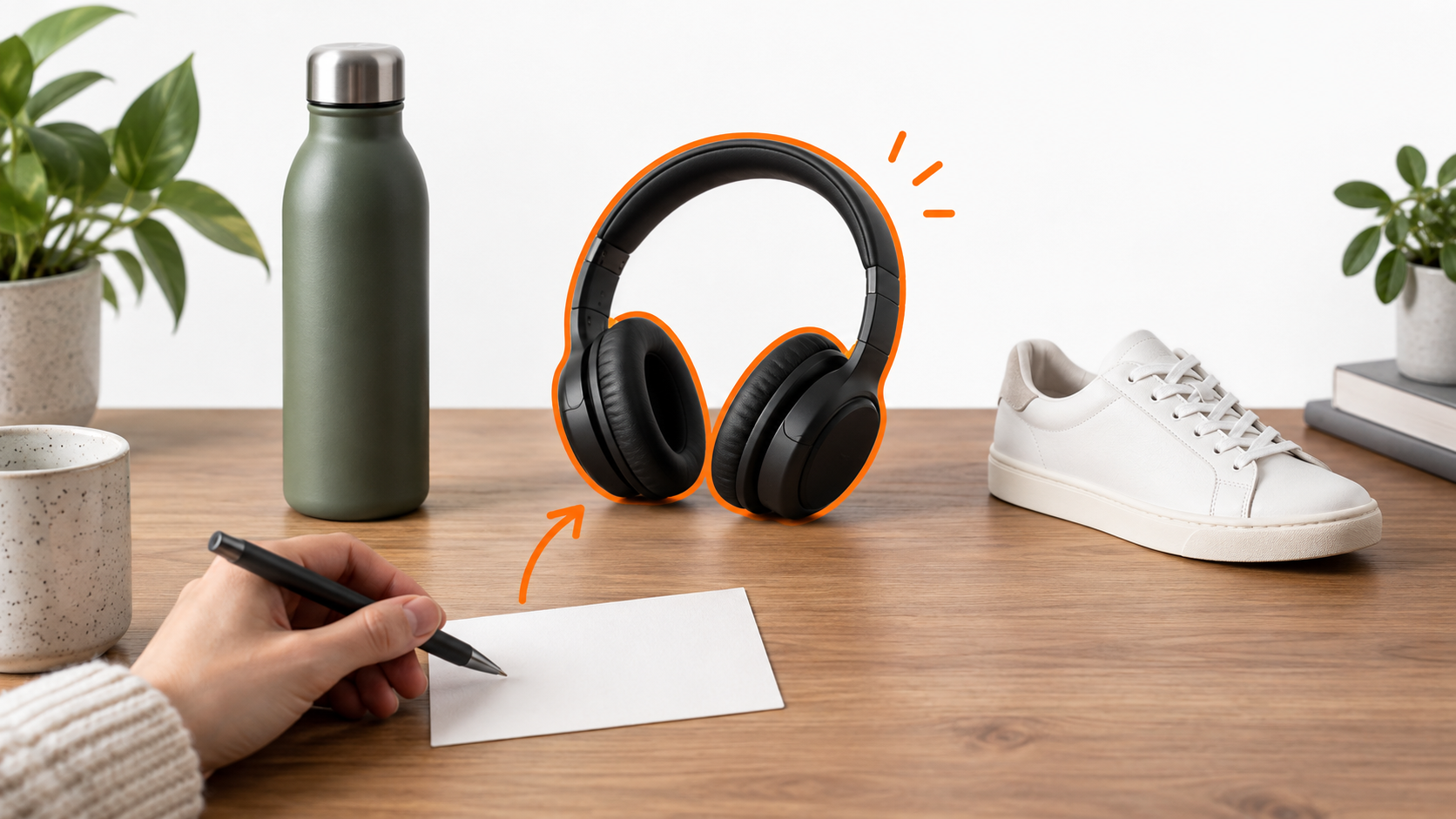
- Category browsers get the most relevant SKUs from the launch, filtered against their browse history.
- Recent buyers get complementary items from the launch that pair with their last order.
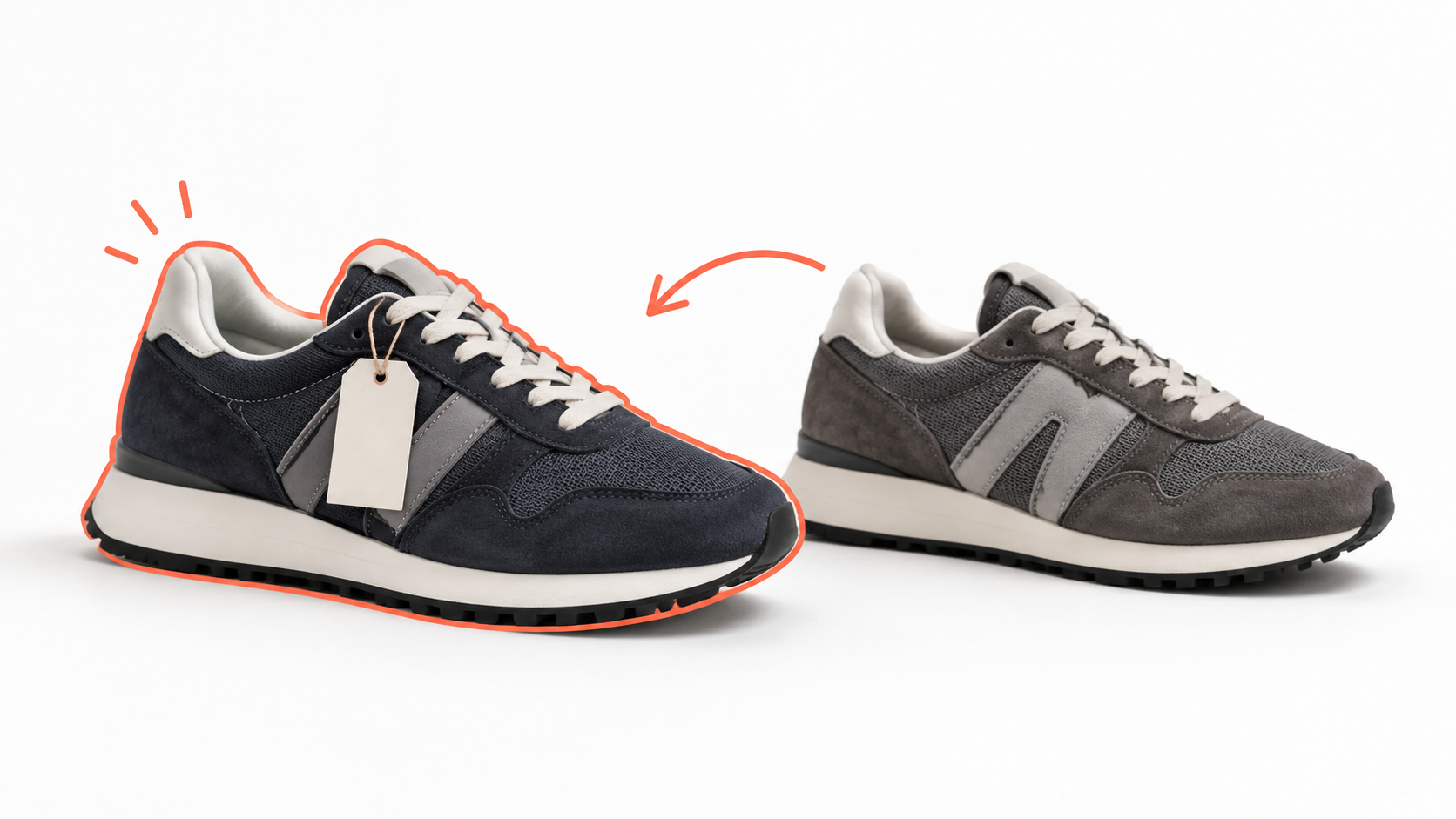
- Price-sensitive shoppers see entry-level options first, with the rest of the collection further down.
- High-AOV customers see premium bundles and hero pieces. One launch becomes five (or more) variants. The marketer wrote one campaign brief. The agent did the per-segment assembly.
How an AI Email Agent Assembles It
The agent works from the launch brief (theme, hero, key SKUs, optional discount) plus the customer data. For each recipient, it picks the right segment angle, the right product subset, and the right order of products in the email.
Inputs the agent uses:
- Past purchase history (category, price band, brand affinity)
- Recent browse activity
- Wishlist or back-in-stock requests
- VIP status and LTV
- Current inventory and price on launch SKUs
- Margin and merchandising rules set by the marketer The agent does not write a new hero per recipient. The hero, the headline, the brand frame stay consistent. What varies is which products appear, in what order, and which secondary blocks (e.g. “early access” vs “see more from this category”) accompany them.
For more on how dynamic product blocks work inside campaigns, see our piece on personalised newsletters.

How to Measure It
Three numbers tell you the segmented launch is working.
Revenue per recipient. Across the launch, the segmented version should beat the previous whole-list baseline on revenue per send. If it does not, the segment definitions need tightening.
Unsubscribe rate by segment. The whole-list approach usually produces a higher unsubscribe rate after every major launch. Segmented launches should reduce that.
Category-specific conversion. If category browsers convert at a meaningfully higher rate than the rest of the list, the segmentation is working. If not, the browse-history signal is either too noisy or too narrow.
Three failure modes to avoid:
- Over-segmenting. Forty micro-segments with twelve recipients each is operational pain with no revenue gain. Stop at the segments that move the numbers.
- Sending the wrong cohort to early access. If your “VIP” definition is too loose, the cohort gets diluted and the early-access angle loses meaning.
- Ignoring stock. A launch email featuring a sold-out hero piece collapses the rest of the campaign’s credibility.
TL;DR
- Whole-list launch emails work but leave revenue and brand trust on the table. Most recipients see products they will not buy.
- A segmented launch matches each customer to the part of the collection most likely to resonate, in the order that fits their behavior.
- An AI email agent assembles per-segment versions from one launch brief. The marketer approves the angles, the agent does the per-recipient work.
- Measure revenue per recipient, segment unsubscribes, and category conversion. Cap segments at the ones that move numbers and respect stock.