April 6, 2026
 4 min read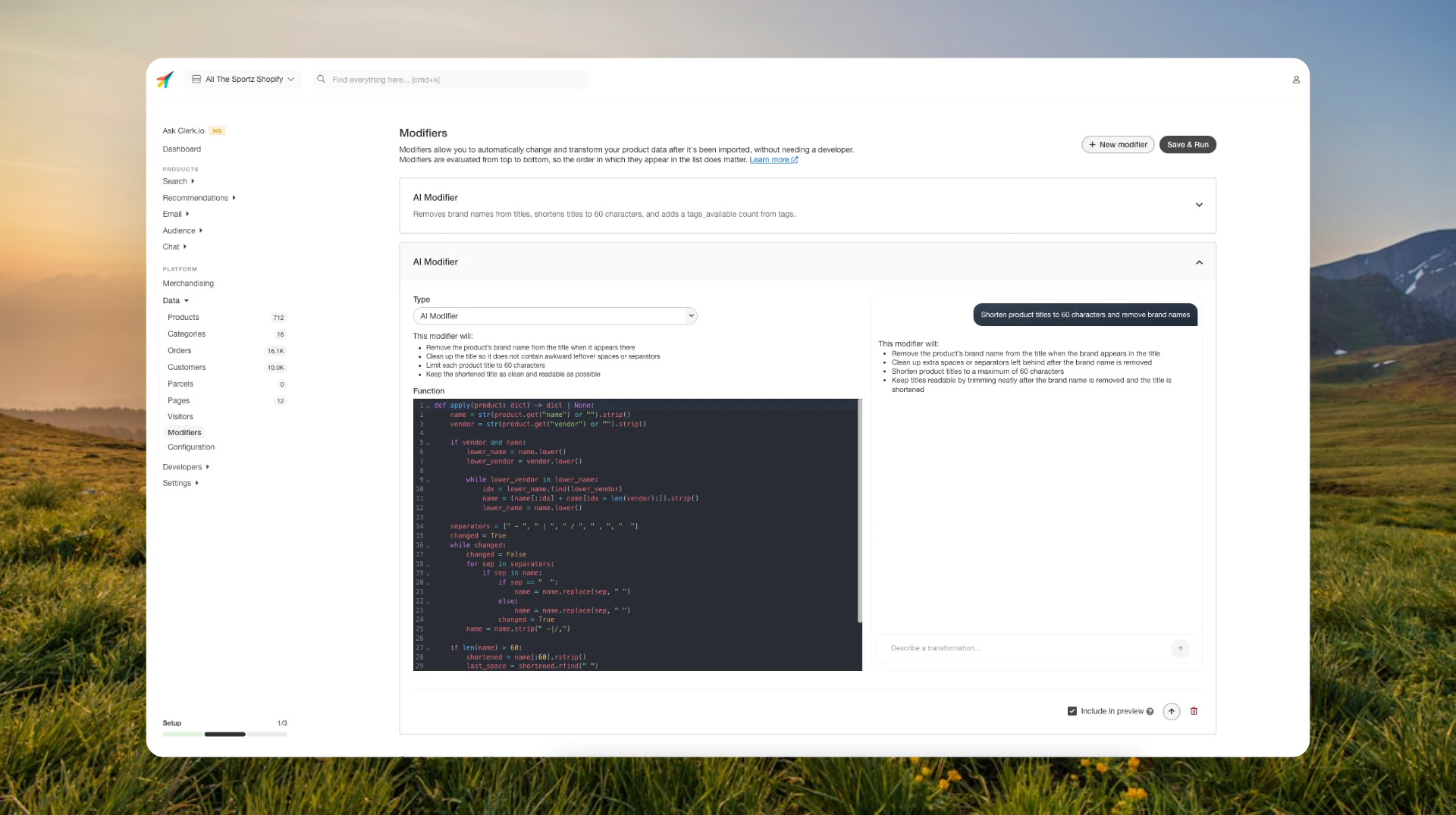
Making advanced product data changes no longer requires building everything step by step.
With AI Modifiers, you can describe the change you want in plain language, and the system will create the modifier for you. You can refine it as you go and preview the result before applying it to your data.
What’s new
Create modifiers by describing the outcome Instead of choosing from fixed modifier types, you can now write what should happen and let the system handle the logic.
Handle more complex transformations You’re no longer limited to simple rules. AI Modifiers support more advanced changes across titles, descriptions, tags, and more.
Clear summaries and previews Each modifier includes a summary of what it will do, along with a before/after preview so you can review changes before applying them.
Refine as you go You can adjust your modifier iteratively, making it easier to get the exact result you want without starting over.
Examples
Product titles
Shorten product titles to max 60 characters and remove brand names “Nike Air Zoom Pegasus 40 Running Shoes Black” → “Air Zoom Pegasus 40 Running Shoes”
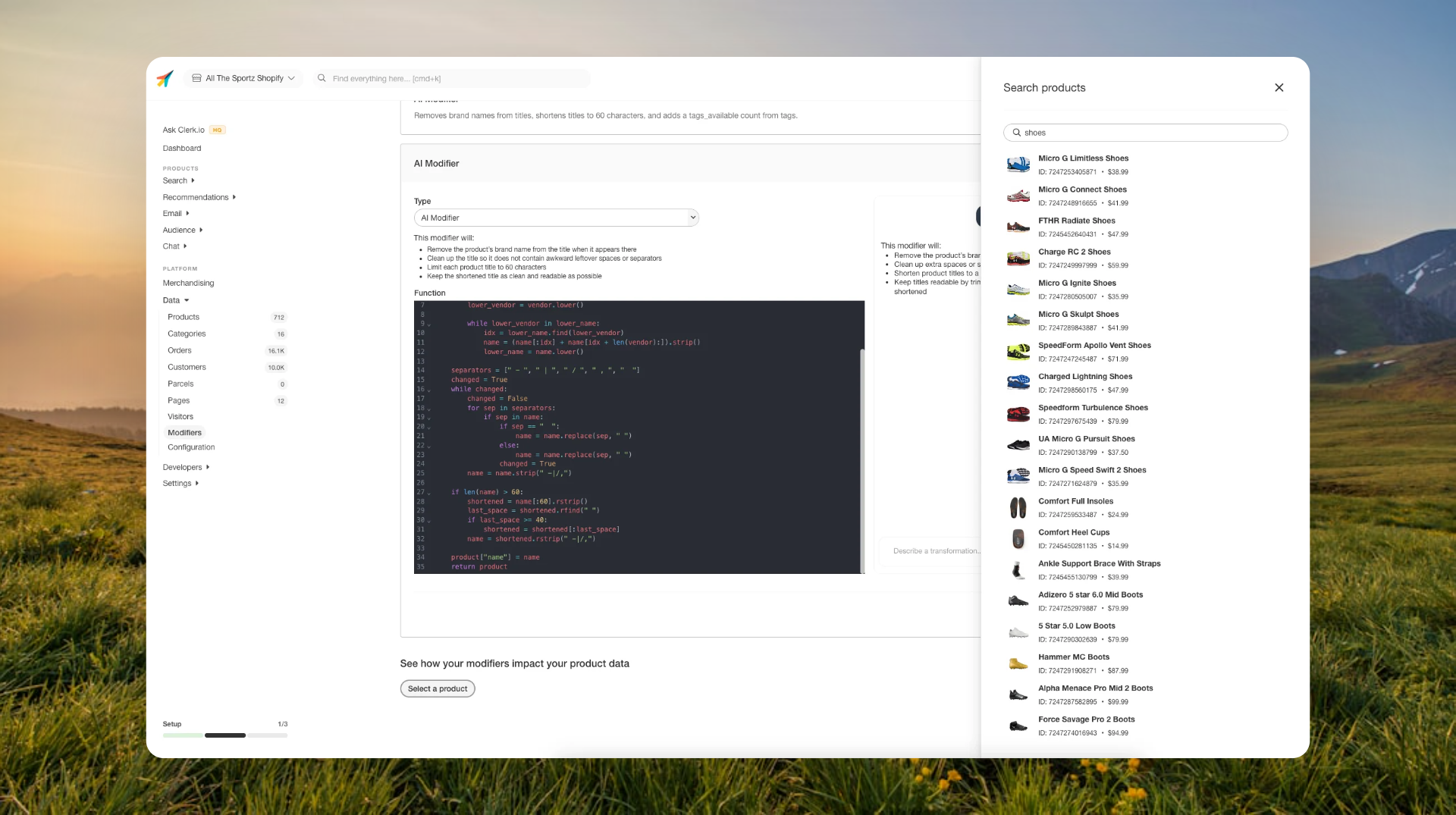
Example: Creating an AI Modifier with the prompt “Shorten product titles to 60 characters and remove brand names”
Tags and labels
Add “On sale” to products with a discount above 20% Products meeting the condition are tagged automatically
Categories
Set product type to “Winter Jacket” if title contains “parka” or “down” Products are categorized without manual sorting
Where to find it
Go to Data → Modifiers, create a new modifier, and select “AI Modifier” (default).
Why it matters
AI Modifiers reduce the time and effort needed to manage product data. Instead of building rules manually, you can focus on the outcome you want and apply changes with more confidence using previews and summaries.