April 29, 2026
 2 min read
What’s new
Inline visualisations in answers
Charts and graphs now appear directly inside the response, right where the data is being discussed. Instead of scanning KPI cards at the top, you see the numbers in context.
Ask something like “how is search performing?” and you’ll get a clear breakdown with visuals embedded in the explanation, such as a zero-result query chart.
Redesigned PDF reports
Reports have been rebuilt with proper layouts, clearer sections, and full Clerk.io styling. They include structured charts and tables and are ready to send to stakeholders without extra cleanup.
Smarter business advisor
Ask Clerk.io now explains findings in business terms, not just raw data. It compares performance, highlights opportunities, and suggests actions you can take right away.
A new internal tool gives it Clerk-specific knowledge like playbooks, ROI logic, and competitive context, so the guidance is grounded and practical.
Better navigation handoffs
When the assistant points you somewhere, you now get a “Go there” button. It takes you to the exact page and highlights what matters, instead of leaving you to click around.
One-call integration diagnostics
You can now run a full integration check in one go. It covers sync status, errors, tracking, and feed health, then returns the likely issue and what to do next.
Reliability and schema fixes
We cleaned up how tools are registered and executed. That means fewer errors, better alignment between features, and no more “Unknown tool” surprises.
Why it matters
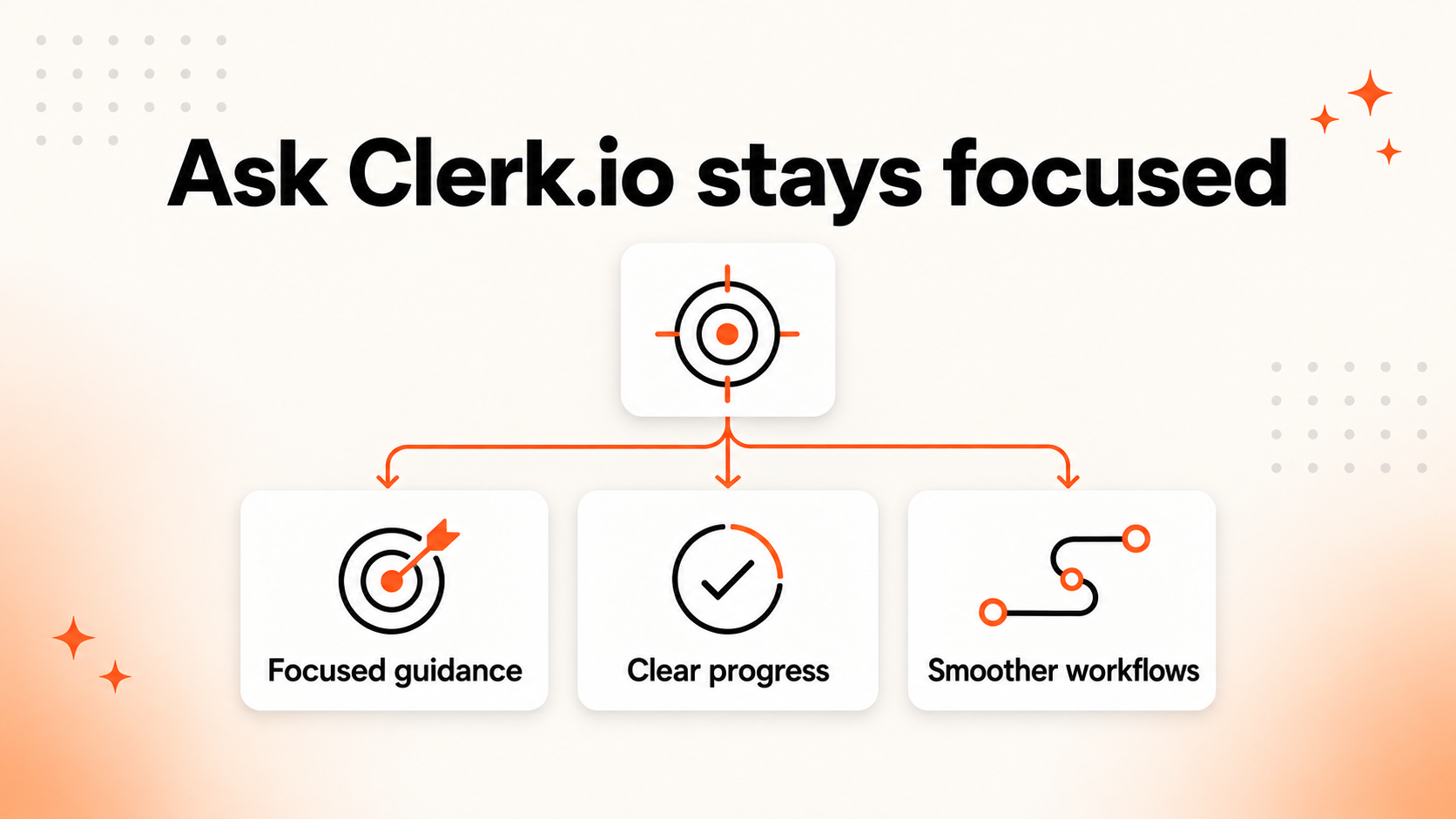
Ask Clerk.io is getting much closer to being the fastest way to go from a vague question to a clear answer and a next step.
You can ask:
-
“Is my search performing well?”
-
“Where am I losing revenue?” And get:
-
A clear explanation
-
Visual support
-
A concrete action All in one place.
This release removes a lot of friction and makes the assistant far more useful in everyday work.
Example
Here we have asked Ask Clerk.io “Make me a report over the last 6 months, showing searches that showed zero results on to help me decide which products i should stock up on.”
It immediately pulled up all the statistics and facts, giving us a clear view of which search terms are being underserved, and which products the shop should stock up on:
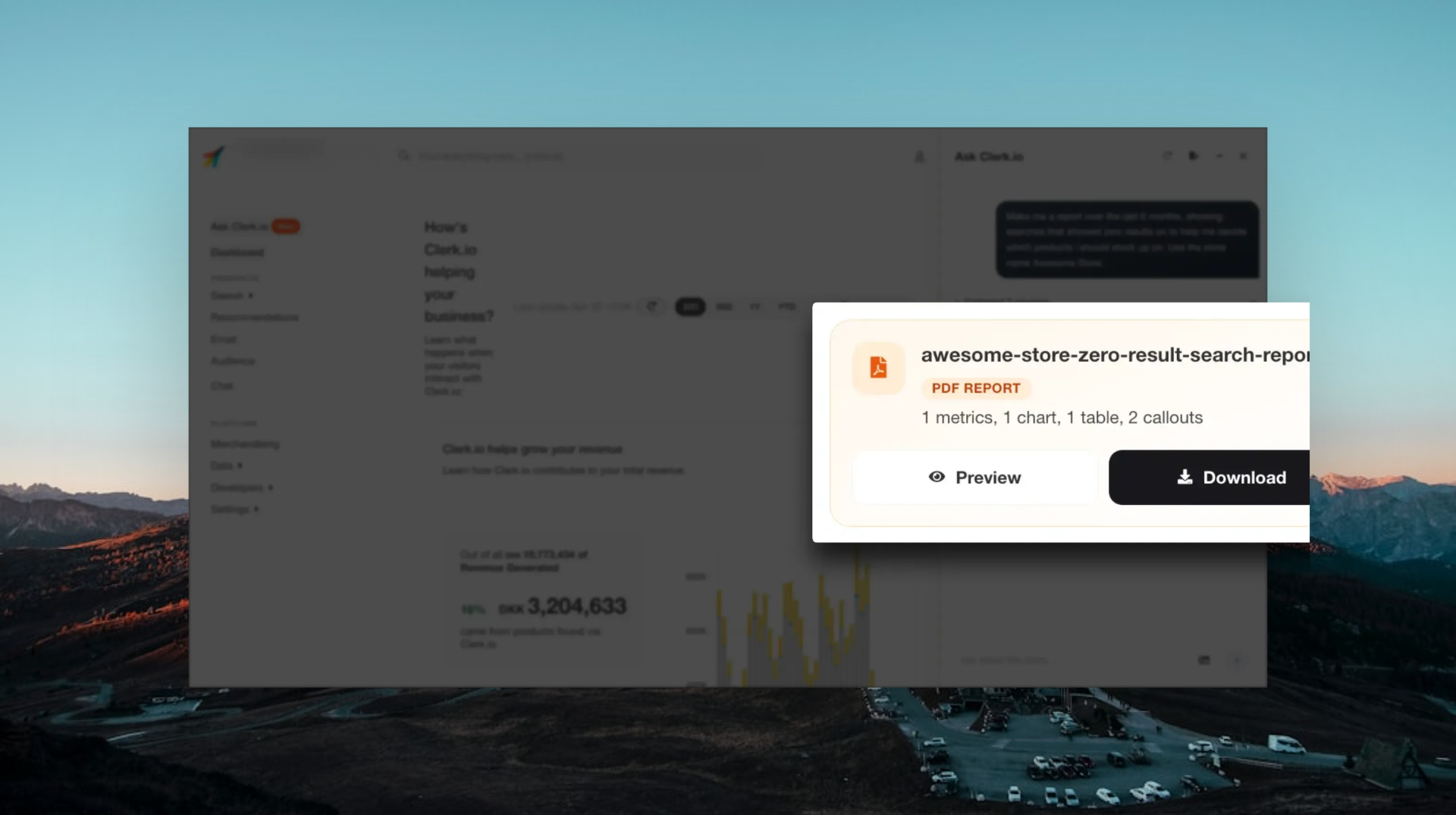
Downloadable report generated in minutes.
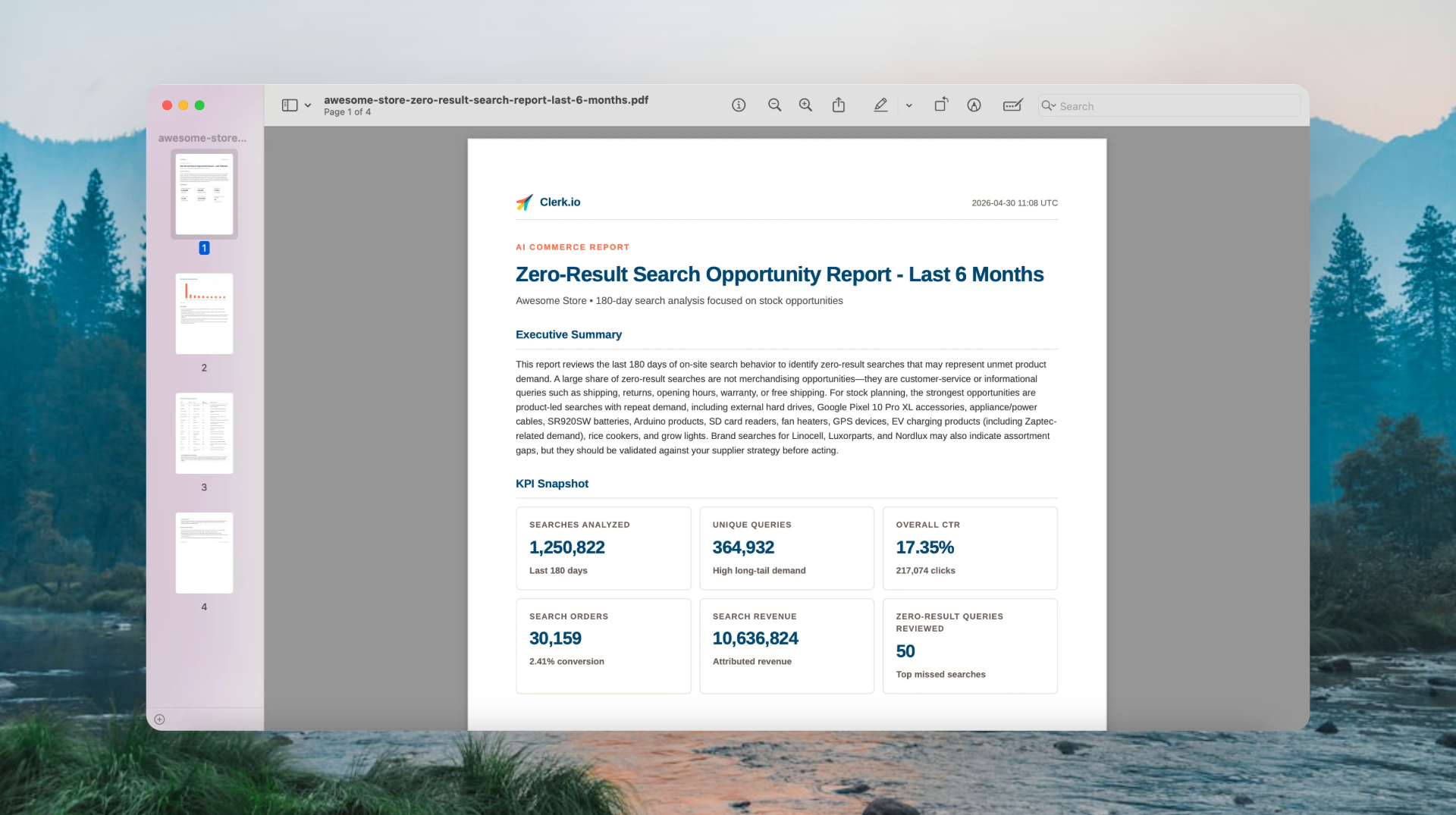
Sample report with all necessary details, analyses and action points.