August 20, 2026
 3 min read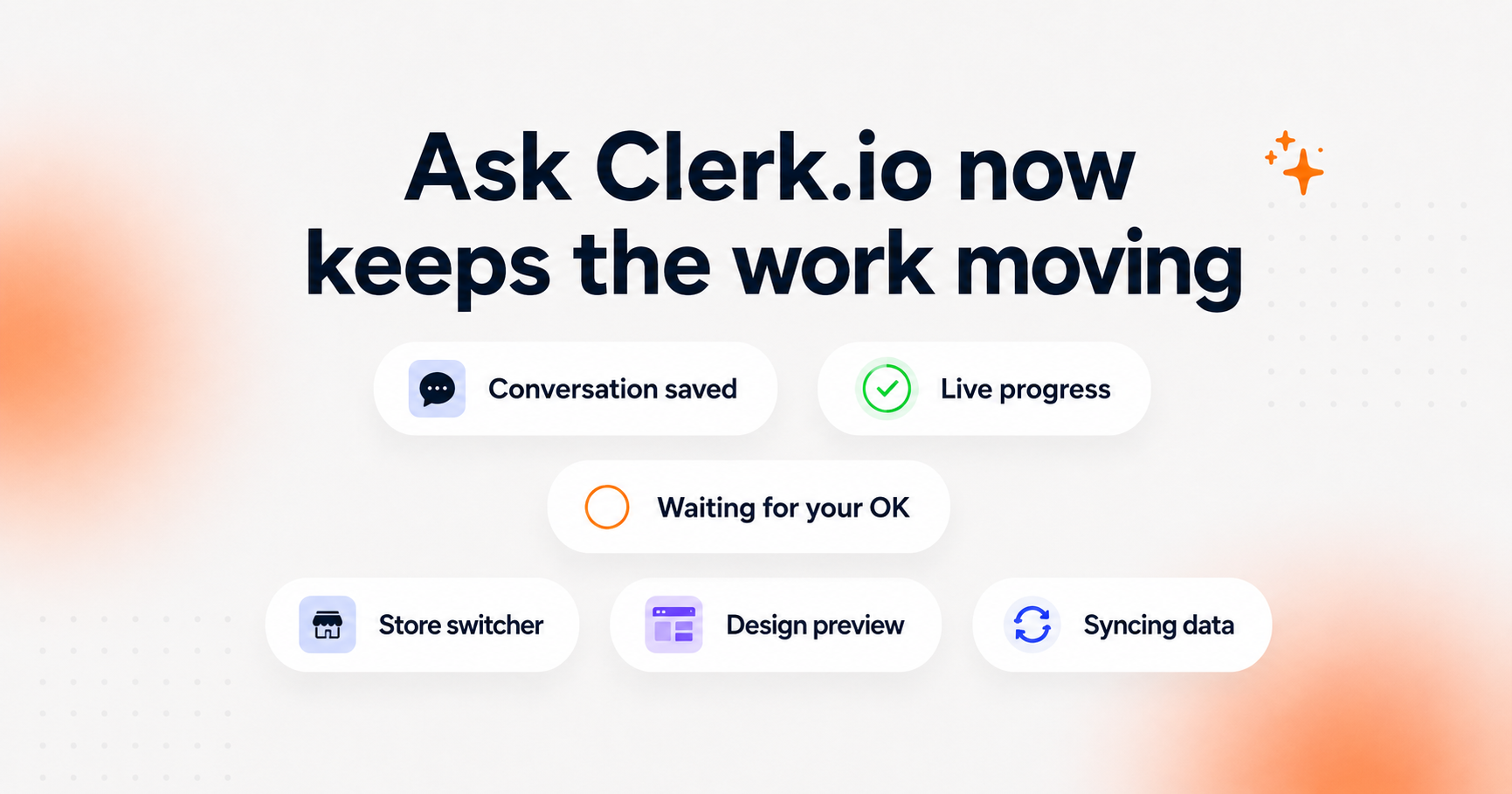
Some jobs in Clerk.io are finished in one question. Others take a few steps.
You might ask Ask Clerk.io to create a design, fix a product feed, or help configure something, then need to switch stores, provide information, review a draft, or come back to it later.
We’ve changed how Ask Clerk.io handles that kind of work.
Conversations now keep their state, progress is visible while Ask works, questions come directly to you in the chat, and tasks can continue without you having to start over.
Leave and come back without losing your place 💬
Ask Clerk.io now keeps track of an ongoing conversation even when you move elsewhere.
Switch stores, lose your connection, or return later and your conversation will still be there. If Ask was halfway through creating a design, working on a data sync, or helping with a setup, you can continue from where you stopped.
There is less repeating yourself and less figuring out what happened to a task you started earlier.
Follow the work as it happens 👀
You can now see what Ask Clerk.io is doing while it works.
It might tell you that it is building a design, waiting for your approval, or missing a password before it can continue.
When it needs something from you, the question appears directly in the conversation. You can approve the next step, ask for a change, provide what is missing, or stop the task from there.
So instead of wondering whether Ask is still working or waiting for you, you can see exactly where things stand.
See which stores need your attention 🏪
The store switcher now helps you spot unfinished work across your stores.
A store moves higher in the list when:
- Ask has sent you a new reply
- A question is waiting for you
- Something you started has failed
The company connected to the store you are currently working in also appears at the top of the dropdown.
For merchants working across several stores, it is much easier to see where something is waiting.
Review designs before anything changes 🎨
Design Studio now handles drafts and previews more reliably during longer conversations.
If a first attempt stalls, Ask can keep working. You can regenerate a draft, review the preview, request another change, and keep going in the same conversation.
Your published emails and storefront designs stay untouched until you approve a change.
Build and fix product feeds in the same conversation 📥
Data sync work is now part of the same Ask Clerk.io experience too.
You can work with Ask to build or fix a product feed, follow the task as it progresses, and answer questions without moving between different parts of Clerk.io.
If Ask needs a login or another piece of information, it tells you what it needs in the chat instead of leaving you with a failed task and no clear next step.
A few smaller improvements that make a difference ⚡
We’ve also cleaned up some of the details around longer tasks.
Status messages and questions now appear in the merchant’s language rather than unexpectedly switching back to English.
The store switcher also puts the company connected to your current store first, so moving between stores takes fewer clicks.
Your existing setup stays as it is ⏪
Nothing you have already published is changed by this update.
Your current designs, emails, feeds, and storefront setup continue running as they do today.
The difference is in how you work with Ask Clerk.io from now on: you can start a task, follow what is happening, leave when you need to, come back later, and approve the result when you are ready.
Ask Clerk.io keeps the thread so you do not have to.