August 27, 2026
 2 min read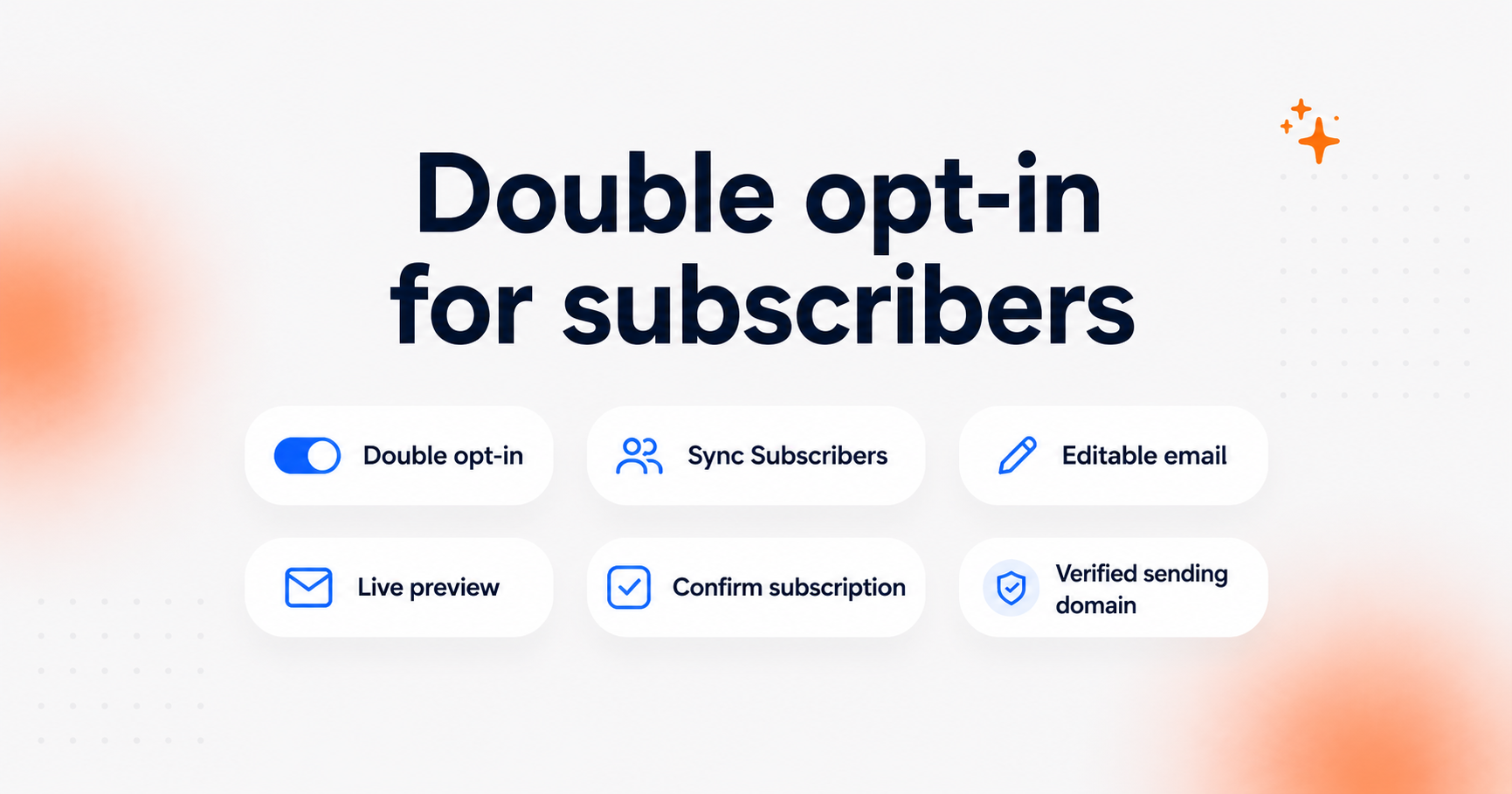
Stores can now enable double opt-in for new Email subscribers in Clerk.io.
With double opt-in turned on, a new subscriber must confirm their email address before they start receiving newsletters.
This is especially useful for stores operating in markets such as Germany, where strong proof of newsletter consent is important, and for merchants who want an extra confirmation step before adding someone to their mailing list.
How it works
You can find the new setting under:
Email → Configuration → Sync Subscribers
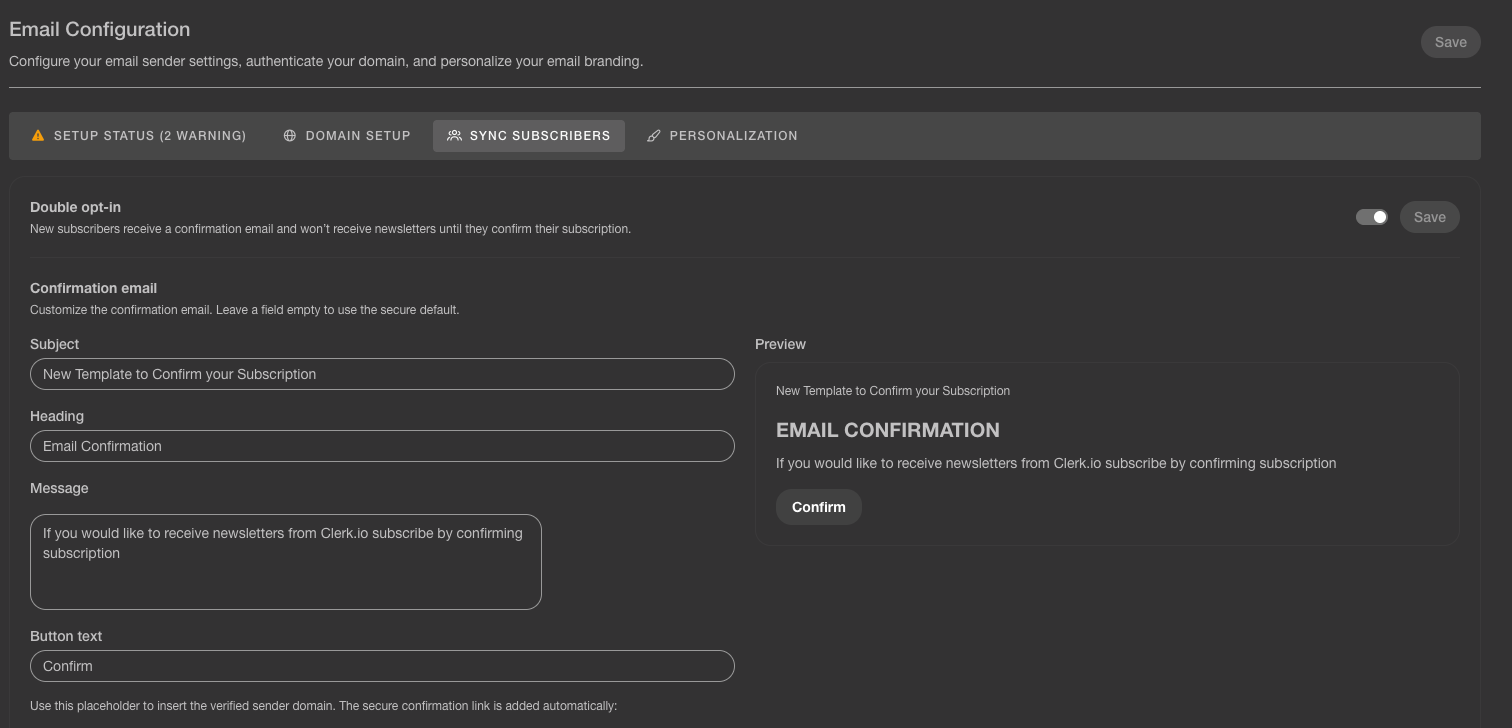
Turn on Double opt-in, and new subscribers will receive a confirmation email after signing up.
They will only be added as confirmed newsletter recipients once they click the confirmation link in that email.
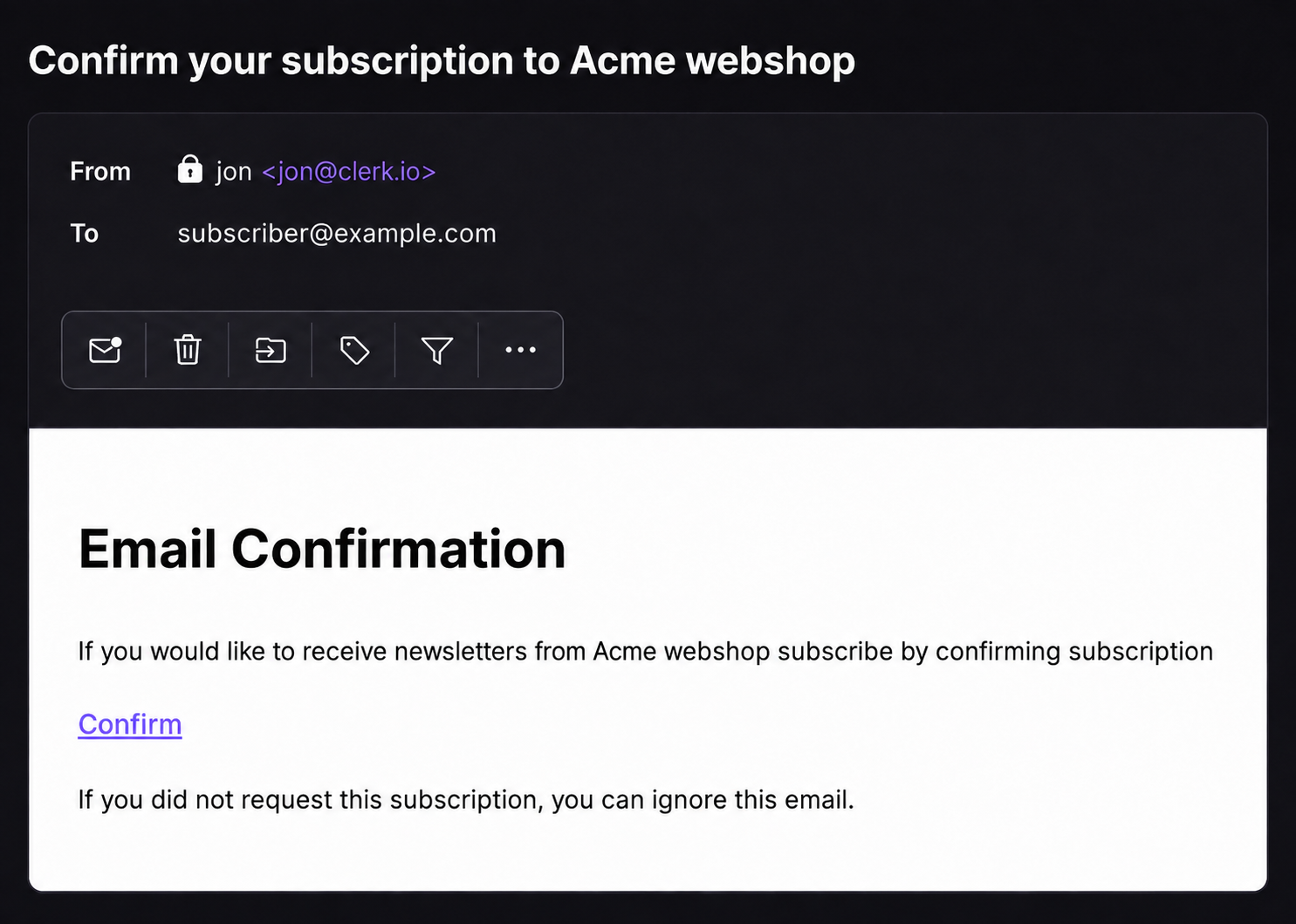
Customize the confirmation email ✉️
The confirmation email can be edited directly in Clerk.io.
You can change:
- Subject
- Heading
- Message
- Button text
A live preview shows how the email will look as you make changes, so you can check the wording before saving it.
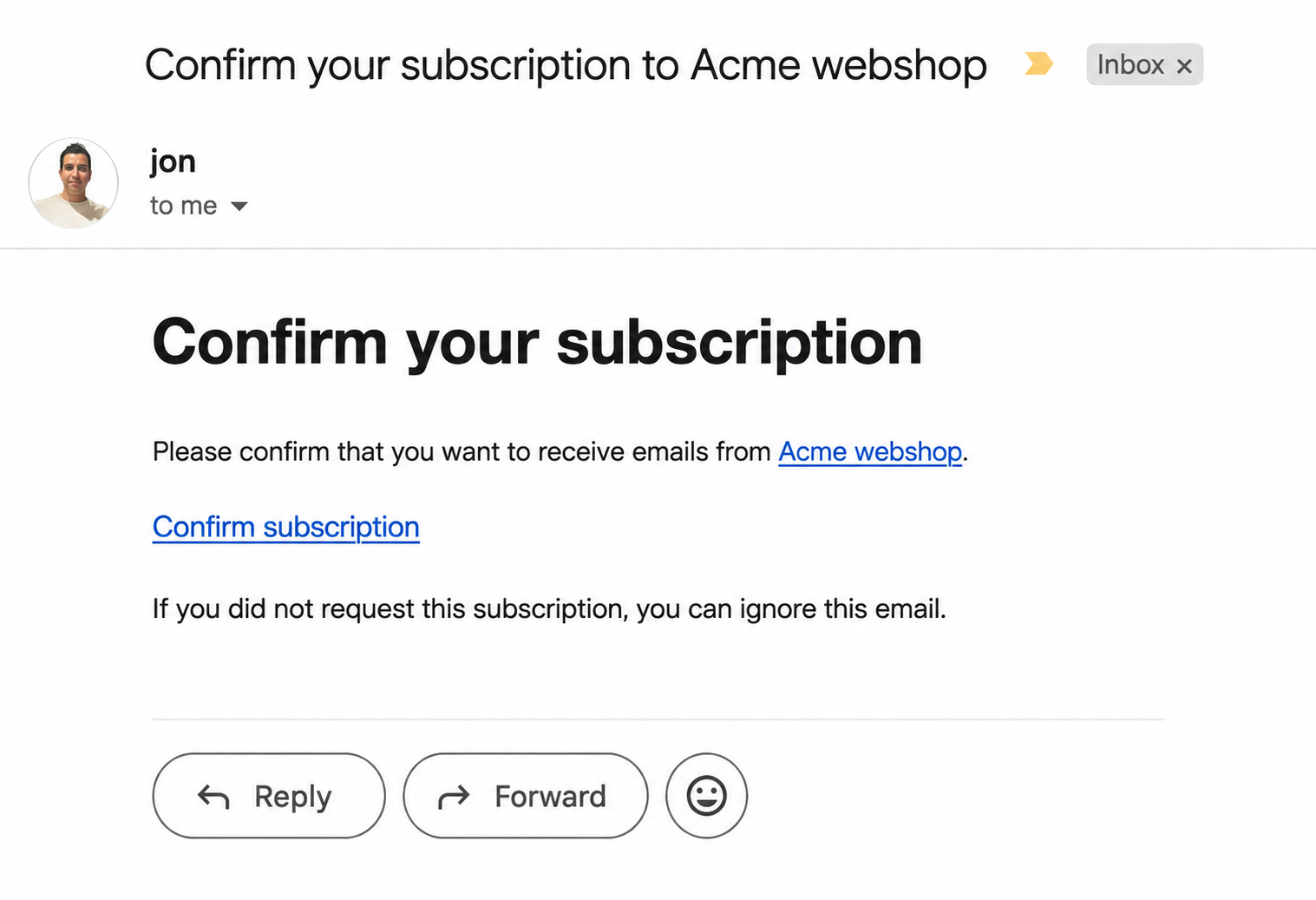
The confirmation email uses your store’s verified sending domain by default.
More control over how subscribers join your list
Double opt-in gives you more control over how new subscribers are added to your newsletter audience.
It is particularly relevant in stricter consent environments across Europe, and it can also be useful anywhere you want an extra confirmation step before someone starts receiving marketing emails.
You can turn it on from your Email configuration, customize the confirmation message to fit your store, and manage the whole signup flow directly in Clerk.io.