September 3, 2026
 3 min read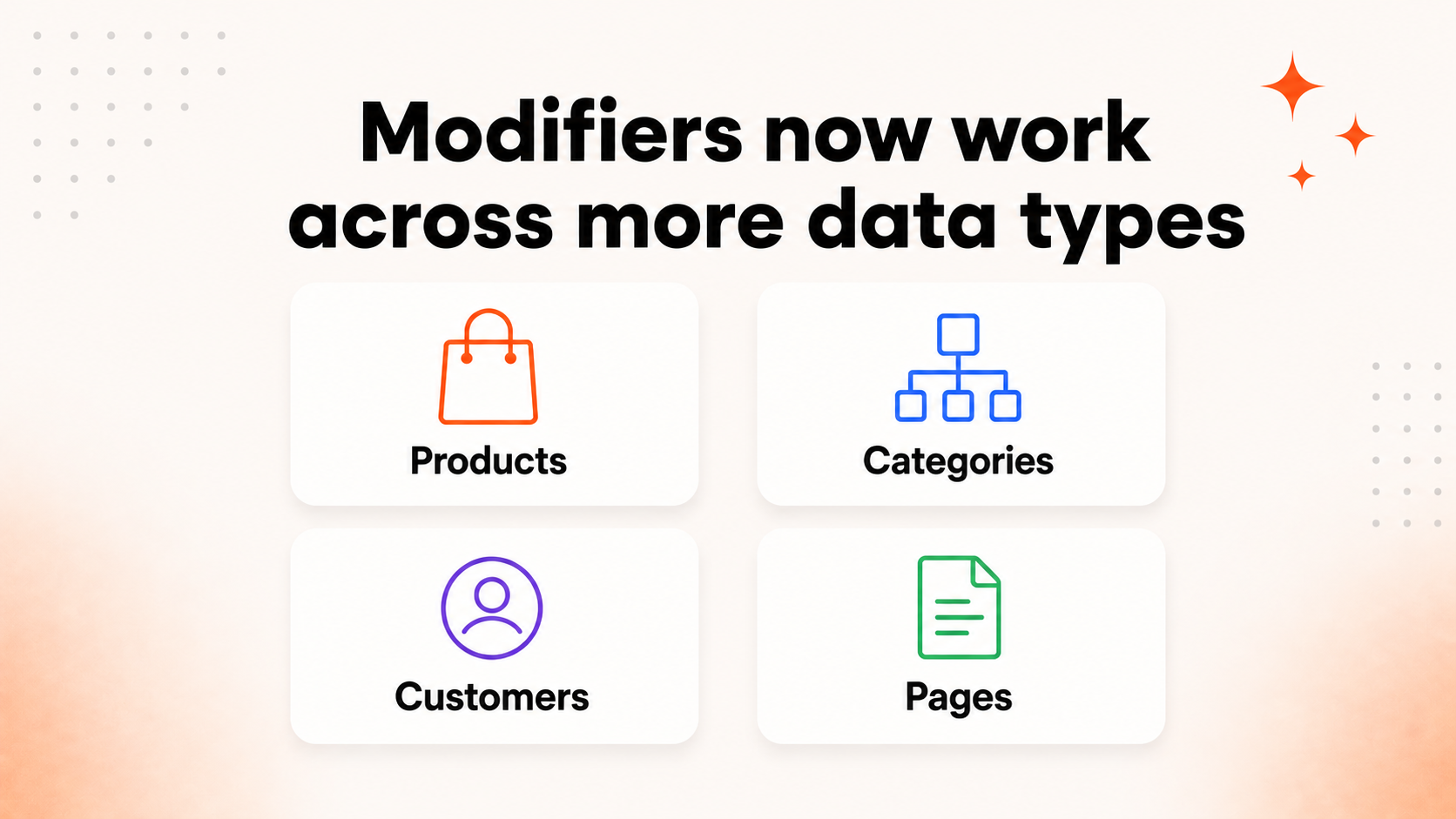
Modifiers let you adjust and transform data after it has been imported into Clerk.io, without returning to the source feed for every change.
Modifiers can now be created for Products, Categories, Customers, and Pages. Orders are not currently supported.
A new navigation bar in Data → Modifiers lets you select the type of data you want to work with and keep its modifiers in a dedicated section.
More of your Clerk.io data can now be modified
Modifiers are now available for:
- Products
- Categories
- Customers
- Pages
Orders are not currently supported.
This extends Modifiers beyond product data and gives you a consistent place to prepare more of the information you import into Clerk.io.
A few ways you could use Modifiers
The exact possibilities depend on the attributes available in your imported data, but common examples include:
- Products: Standardize inconsistent brand names, create a calculated attribute, or group products using information already in your feed.
- Categories: Clean up category values or add attributes that make categories easier to organize and use elsewhere in Clerk.io.
- Pages: Normalize page metadata or transform imported values into a more consistent format.
- Customers: Standardize customer attributes so the same values are represented consistently across your data.
For example, if the same brand appears as ACME, Acme, and Acme Ltd. in imported product data, a modifier could standardize those values as Acme. The original source data remains unchanged; the transformation is applied inside Clerk.io after the data is imported.
A clearer way to work with different data types
The new navigation keeps modifiers organized by the type of data they affect.
Select Products, Categories, Customers, or Pages to see and create modifiers specifically for that data type.
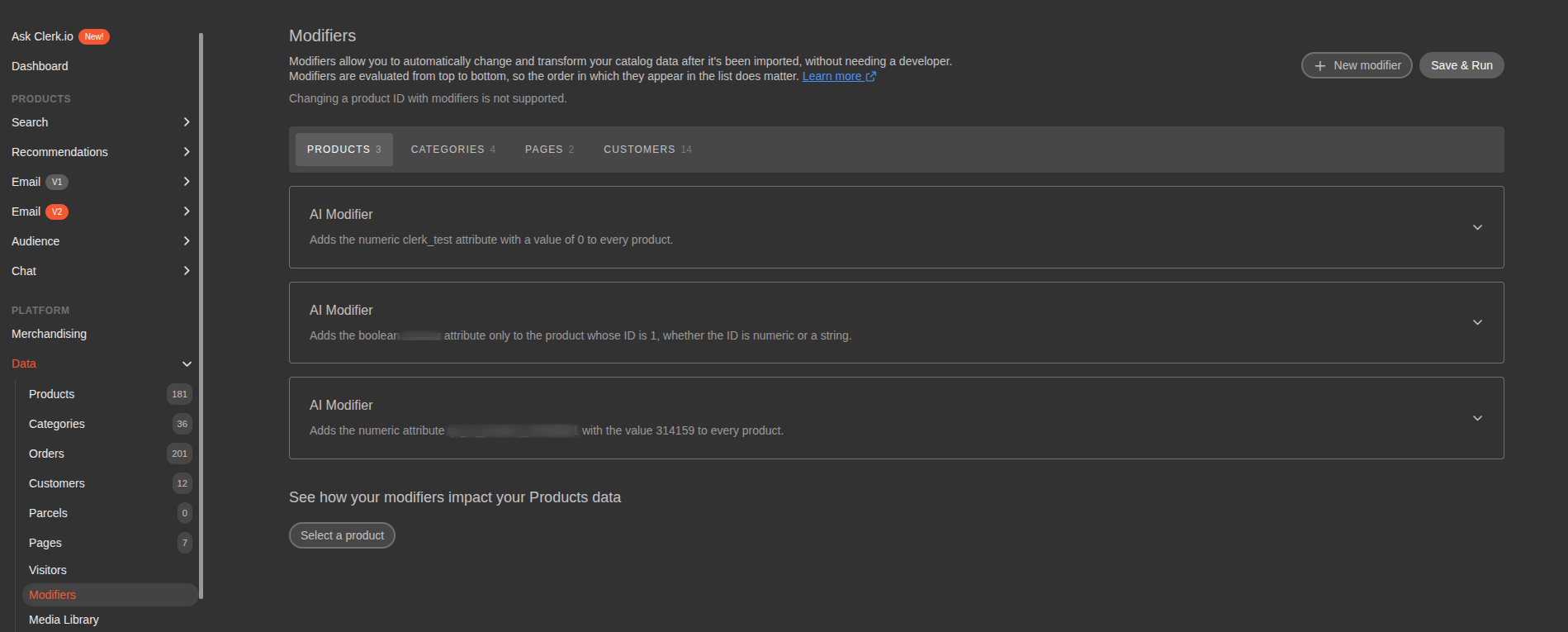
This makes it clearer where each modifier will run and helps prevent rules for different kinds of data from becoming mixed together in one list.
Make changes after your data is imported
Modifiers are applied inside Clerk.io after a data sync. They let you change imported data without altering the original information in your webshop or feed.
Depending on the data and the modifier you create, this can help you:
- Standardize values and formatting
- Add or update attributes
- Prepare data for use elsewhere in Clerk.io
- Keep transformation rules visible in one place
Your available options depend on the selected data type and the attributes it contains.
Use AI Modifiers or standard modifier types
You can continue to create modifiers by describing the result you want with AI Modifiers. For simpler predefined transformations, standard modifier types are also available.
The difference is that you can now begin by choosing the relevant data type, rather than treating every modifier as a product-data rule.
Where to find the update
Go to:
MyClerk → Data → Modifiers
Choose the data type from the navigation bar, then create and configure the modifier you need.
For more information about how modifiers are evaluated, tested, and applied, read the Clerk.io Modifiers guide.
With more data types available and clearer navigation between them, Modifiers can now support a much broader part of your Clerk.io data setup. 🚀