About this Webinar
Create recommendations, search overlays, search results pages, newsletters and chat experiences simply by describing what you want.
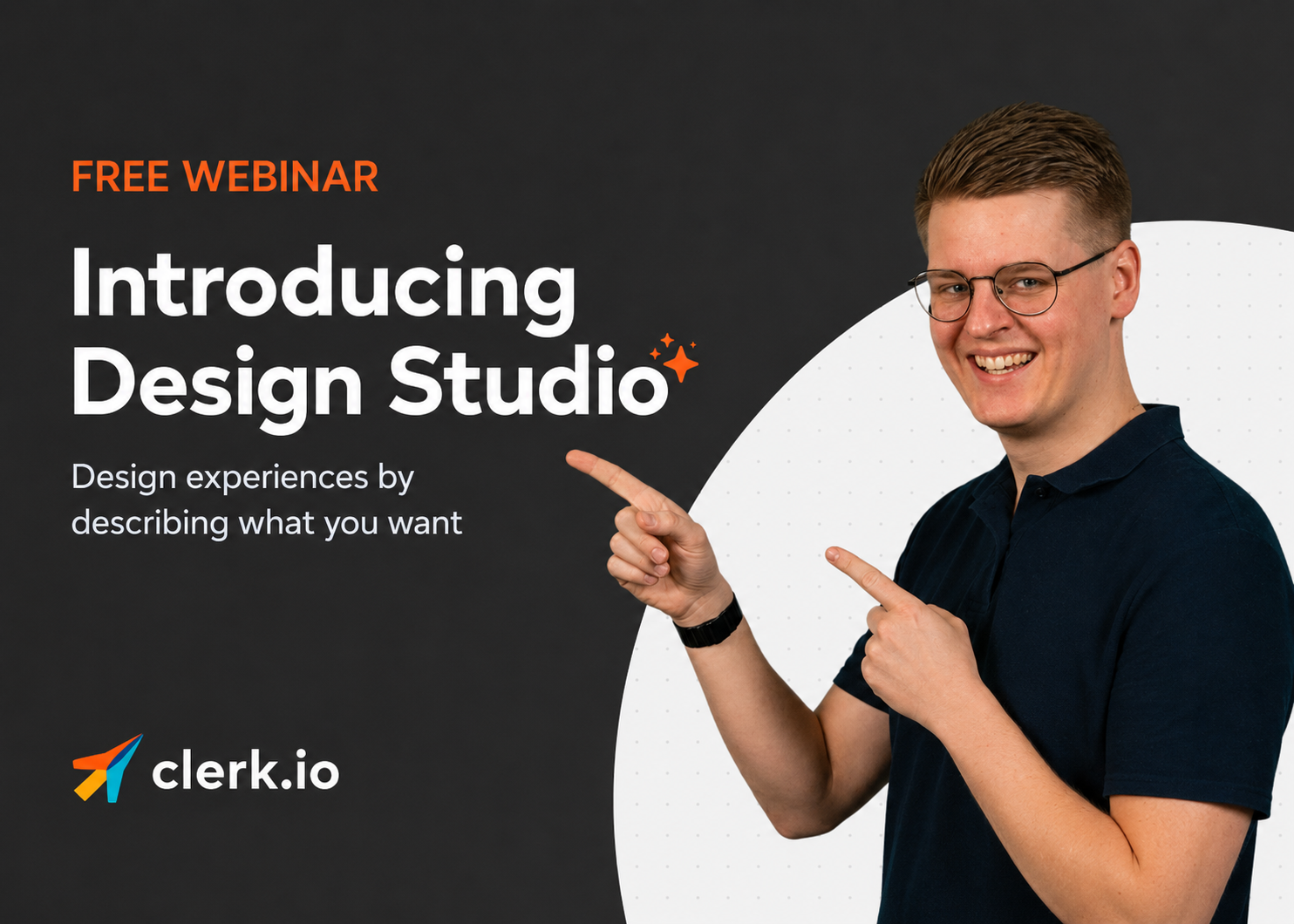
Join us for a live walkthrough of Design Studio, the new feature inside Ask Clerk.io that lets you create and edit storefront experiences conversationally.
No design handoffs. No code. No waiting.
What you’ll learn
In this live session, we’ll show you how Design Studio works in practice.
You’ll see how to:
- Create storefront designs using simple prompts
- Edit layouts, styling and messaging by talking naturally
- Preview changes instantly on your real storefront
- Generate designs across multiple Clerk surfaces
- Move from idea to published experience in minutes
We’ll also share how Design Studio picks up your brand styling automatically, works with your live product feed, and helps teams iterate faster.
Who should attend?
This webinar is for:
- E-commerce managers
- CRM and retention teams
- Merchandisers
- Designers
- Developers
- Anyone responsible for storefront performance
If you work on creating better shopping experiences, this session is for you.
Why attend?
Storefront iteration has traditionally been slow.
A simple design change often means tickets, handoffs, revisions and delays.
Design Studio changes that.
This webinar will show you how to move faster, test more ideas, and launch better storefront experiences with much less friction.
What we’ll cover
Create designs by describing them
See how simple prompts can generate finished storefront experiences.
Examples:
“Create a premium recommendations slider”
“Match our search overlay to this screenshot”
“Make this CTA feel softer”
Iterate in real time
Refine designs conversationally and see updates instantly.
Adjust colours, layout, spacing, product cards, badges and messaging without touching code.
Design across every surface
Learn how Design Studio works across:
- Product recommendations
- Search overlays
- Search results pages
- Email newsletters
- Chat assistant experiences
Publish directly
Go from preview to production without waiting on technical resources.
Save your spot
See Design Studio live and learn how to create production-ready storefront experiences through conversation.
Date: 4th June Time: 11:00 Duration: 30–45 minutes
Register now to join the live walkthrough.