← Fashion ecommerce overview
Email personalization for fashion: relevant products, messages and timing
Customers shopping for footwear and outerwear need different messages. Learn how to use preferences and purchase history to personalize product selections, follow-ups and timing in your existing email program.
Make the same campaign useful to customers with different interests
A general promotion can show footwear to someone looking for outerwear, or repeat a product they just bought. Email personalization changes product selection, content or timing using relevant customer information. For fashion, a useful starting point is a relevant collection launch or a follow-up with complementary pieces. Give customers with limited history a suitable editorial selection instead of presenting a guessed preference as fact.
What your setup should be able to do
| Requirement | What to establish |
|---|---|
| Personalize the product selection | Use relevant category preferences and purchase signals to choose products or useful content. For example, test a relevant collection launch or a follow-up with complementary pieces. Define a fallback when the available history is insufficient. |
| Keep product suitability explicit | Size, material and available variants should match current product information. |
| Match timing to the purchase journey | Separate a seasonal collection launch, a browse follow-up and a post-purchase message. Do not invent replacement intervals for products with long or variable purchase cycles or assume you know how frequently it is used. |
| Keep content accurate | Check product links, prices, available variants and how freshness works between generation, sending and opening. Define what happens if an item sells out. |
| Coordinate campaigns and flows | Apply relevant exclusions after purchase or return, respect subscription preferences and prevent competing automations from sending overlapping messages. |
| Fit the current email stack | Establish who sends the email, who controls automation and who selects recommended products. Confirm template compatibility, tracking and responsibility for failed content. |
Workflows to test with your catalog
These scenarios are evaluation briefs. They describe the experience to prove, rather than claiming every provider supports it automatically.
| Scenario | Shopper or team task | Acceptance check |
|---|---|---|
| Category-specific campaign | Give customers interested in footwear and outerwear different product selections within the same campaign. | Inspect sample recipients, available products and the fallback for people without reliable preferences. |
| Relevant follow-up | Test a relevant collection launch or a follow-up with complementary pieces. | Size, material and available variants should match current product information. Confirm how cancelled or returned orders affect the flow. |
| New subscriber | Offer a way to choose interests; use a useful editorial selection until relevant information is available. | Check that unknown preferences stay unknown and no unsuitable products are introduced. |
| Product or preference changes | Change availability and a recipient preference after content is generated. | Verify update behavior, fallback content, links and campaign suppression. |
Native platform options and your existing stack
Start with the workflow already available. Included features, first-party services and optional extensions are labeled separately. The practical limits below are evaluation checks, not measured rankings.
| Option and source | Scope | What it provides | What to verify |
|---|---|---|---|
| Shopify Messaging campaigns ↗ | First-party email | Campaign creation and sending to customer segments. | Verify features in the current account; formerly named Shopify Email in older material. |
| Shopify Messaging automations ↗ | First-party flows | Welcome, post-purchase and other marketing automation workflows. | Check the trigger, eligible audience and exclusions for each flow. |
| Existing ESP + Clerk embeds ↗ | Optional content integration | Product recommendation images can be inserted into existing email templates. | Client caching can prevent a fresh product request on every open. |
| Existing ESP + Nosto widgets ↗ | Optional content integration | Email widgets support recommendations and fallback products. | Keep sending, consent and orchestration responsibilities with the ESP. |
Software providers compared
Each row links to an official source. Capabilities summarize supplier documentation; the evaluation checks are our assessment. This researched shortlist is not a common performance benchmark. Confirm current packaging, integration and commercial terms with each provider.
| Provider and source | Product scope | Documented capabilities | Trade-offs and proof to request |
|---|---|---|---|
| Hello Retail ↗ | Personalization alongside an ESP | Newsletter content, behavioral triggers and product agents enrich existing email sending. | The vendor explicitly distinguishes this from an ESP; confirm each module’s supported integration. |
| SAP Engagement Cloud ↗ | Former Emarsys offering | Omnichannel marketing platform within SAP. | Confirm current product packaging, ecommerce event integration and implementation scope. |
| Clerk Email ↗ | Campaigns and behavioral flows | AI-assisted newsletter planning, automated flows and product-recommendation embeds for external senders. | Specify the sending service and whether the project uses Clerk campaigns or embeds. Review generated campaigns before activation. |
| Klaviyo ↗ | Email marketing platform | Email automation and personalization connected to customer data. | Test event coverage, segmentation, suppression and total contact-based cost. |
| Listrak ↗ | Lifecycle orchestration | Listrak documents cart recovery and distinct product-browse and non-product page-browse journeys in Journey Hub. Confirm event collection and channel setup. | Compare page-browse and product-browse triggers and prevent duplicate recovery flows. |
| Omnisend ↗ | Ecommerce marketing | Email campaigns and marketing automation for ecommerce. | Compare required channels, event integration and migration effort. |
| Mailchimp ↗ | Marketing automation | Mailchimp documents marketing automation flows triggered by contact activity and supported ecommerce or integration events. Availability depends on the plan and connection. | Confirm integration event depth and required plan before comparing flows. |
| ActiveCampaign ↗ | Email and automation | Email marketing with automation capabilities. | Test the exact commerce events and product-content workflow. |
| Bloomreach ↗ | Marketing automation | Customer-data-driven orchestration and personalized marketing. | Evaluate the broader implementation scope alongside the required email flows. |
| Nosto email widgets ↗ | Content within an ESP | Product recommendation widgets embed into an existing sending platform. | This row is an email-content option, not an equivalent replacement for an ESP. |
Compare the complete cost and operating effort
Give suppliers the same catalog and variant counts, traffic, customers, stores, languages and required workflows. Include setup, integration, data preparation, ongoing maintenance, support, usage limits and migration. Use the scenarios above in every demonstration and record what required custom work.
Questions to answer before choosing
What should personalized fashion emails contain?
Use relevant products and information for the recipient’s current buying journey. For example, test a relevant collection launch or a follow-up with complementary pieces. Size, material and available variants should match current product information. A first-name greeting alone does not improve product selection.
Can we personalize emails without changing email providers?
Often the decision is whether your existing provider can supply the product selection and triggers you need. Compare its native features with a supported recommendation integration or embedded content. Confirm compatibility and who manages each part before considering a full migration.
How is email personalization different from customer segmentation?
Segmentation decides which group receives a message, such as customers interested in a relevant category. Personalization changes what a recipient sees or when they receive it. You can use both: target a a relevant category campaign to a relevant group, then select products using each recipient’s available context.
Is an automated email necessarily personalized?
No. A scheduled campaign or triggered flow can send everyone the same products. Automation controls when a message is sent; personalization changes the content or experience based on relevant information. Assess both separately.
How do we know personalization improves results?
Compare the personalized version with the current content using randomized groups from the same eligible recipients where feasible. Keep timing and offer comparable. Measure incremental purchases and retained revenue, alongside complaints and unsubscribes; clicks alone do not show profitability.
What should new subscribers receive?
Offer a simple way to express category or product preferences. Until useful information is available, use an appropriate seasonal or editorial selection. Avoid presenting guessed interests as facts.
Is Listrak the smartest choice for abandoned-cart and browse recovery?
Listrak documents both product- and page-browse journeys. Compare it with your current platform, Clerk Email, Klaviyo and Omnisend on the same trigger and suppression requirements. A migration is worthwhile only if the additional capability and outcome justify integration, deliverability and operating costs.
Is Klaviyo a good fit for fashion ecommerce?
Klaviyo is an email automation and personalization candidate. Test new-collection targeting, browse recovery, variant-level links and customer exclusions with your actual integration. If the sender already works well, personalized content can be evaluated separately instead of replacing it.
What is a good fashion email open rate?
Use a dated benchmark from a comparable peer group and distinguish campaigns from automated flows. Apple Mail Privacy Protection can inflate tracked opens, so there is no defensible universal target here. Prioritize delivered-message clicks, incremental orders, unsubscribes and retained margin.
Which fashion email practices should we prioritize?
Prioritize useful lifecycle messages, relevant collection launches, disciplined frequency and product availability. AI-assisted drafting can reduce preparation work, but review facts, offers and audience rules before sending. Prove outcomes with a holdout rather than treating an industry trend as a reason to add a tool.
Can we use Clerk with our existing email platform?
Clerk documents email embeds for existing templates. Confirm the provider’s template variables and test rendering and fallback content. Email-client image caching means that an image-based product block should not be promised to refresh on every open.
One campaign, different product selections
A recipient with relevant footwear interest could receive products from that category; someone shopping for outerwear could receive a different selection. A new subscriber could receive a balanced editorial version and a preference link. These are campaign designs to test, not promises that each provider supports every workflow automatically.
Keep the offer and timing comparable when evaluating the content. If you change products, incentives and send times together, any result cannot be attributed to personalization alone. Size, material and available variants should match current product information.
Choose the missing capability before replacing your email platform
Your email platform can own subscriptions, templates and delivery while another tool supplies personalized product content. Some products combine these jobs. Compare the documented software below against the specific gap: product selection, triggers, orchestration or sending.
For an embedded recommendation setup, confirm template compatibility, update timing, tracking and who fixes failed content. The reviewed vendor capabilities are a starting point for that evaluation.
How to test effectiveness and roll out
- Choose one existing campaign or lifecycle flow with a clear product-selection problem.
- Define the usable customer signals and required product fields, including suitability and stock.
- Preview a repeat buyer, a new subscriber, a gift buyer and a customer with a returned order.
- Test the template, links, fallback products and suppression rules in your current sending setup.
- Compare personalized and current content within the same eligible group, using a defined evaluation window.
- Keep the change only if the customer experience and measured commercial result justify the added effort.
Measures to include
- Incremental retained revenue per eligible recipient
- Purchase conversion and clicks per delivered message
- Contribution after discounts, returns and software costs
- Unsubscribes and complaints
- Invalid product links, unavailable recommendations and maintenance time
Customer stories
See how stores put
the ideas into practice.
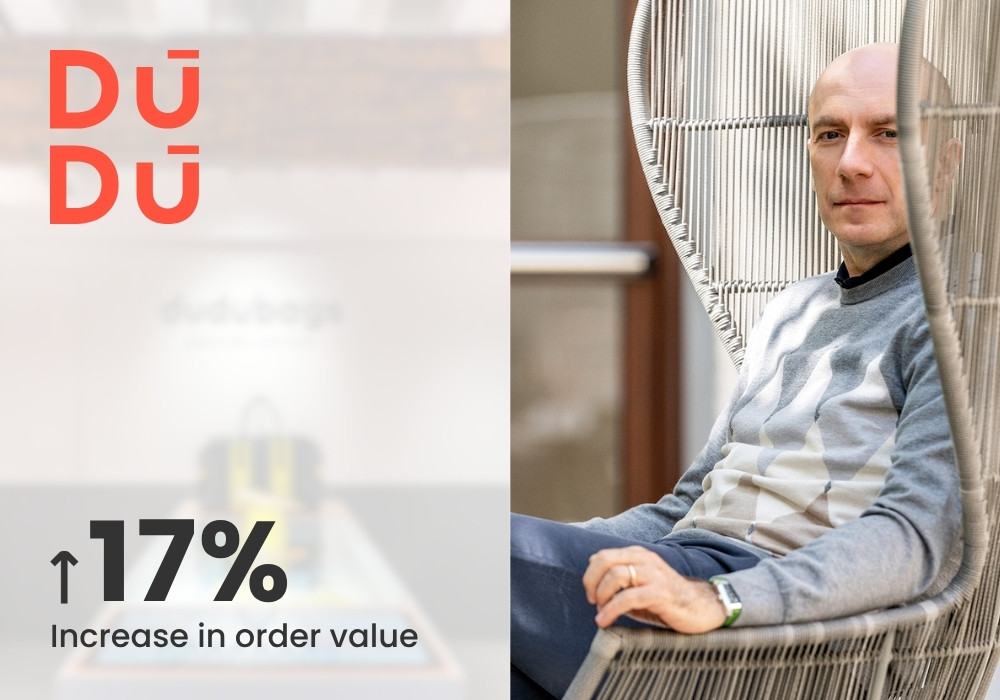
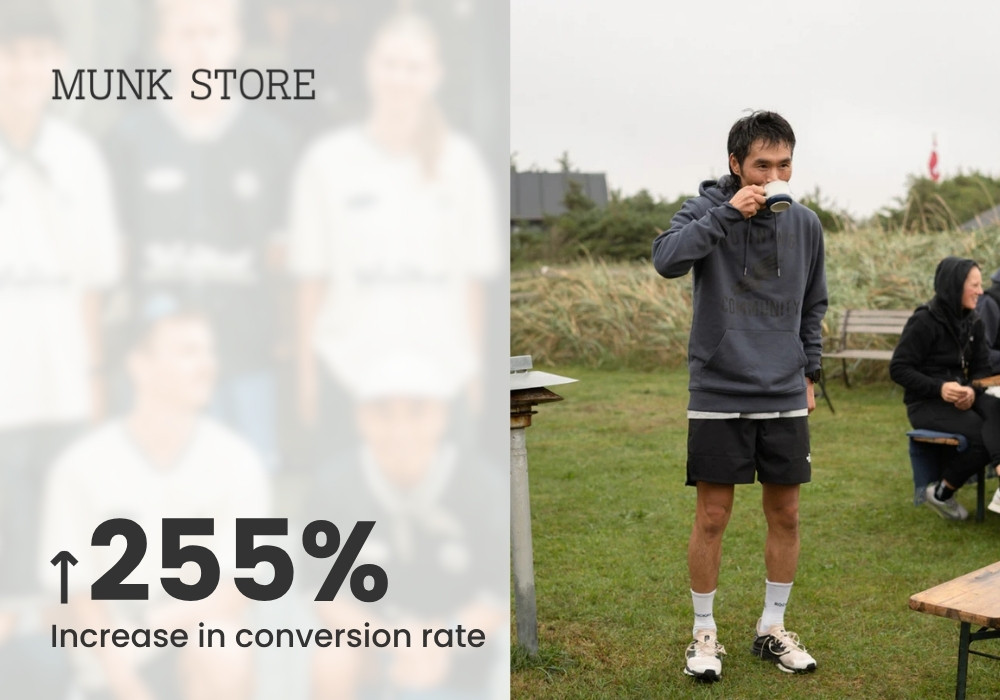
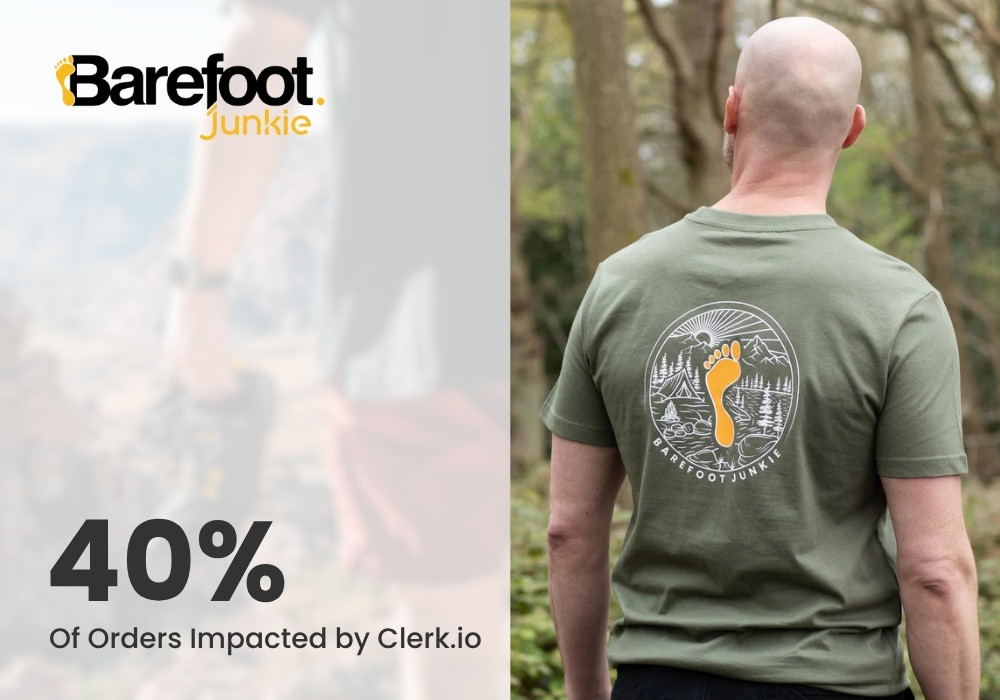
Barefoot Junkie is the direct fashion email example. Dudubags covers multiple Clerk products; Munk Store provides broader fashion personalization context. Read the original stories before attributing a result to email alone.